
Sponsored
Nairobi, Nairobi Central, 2 hours ago
8 views
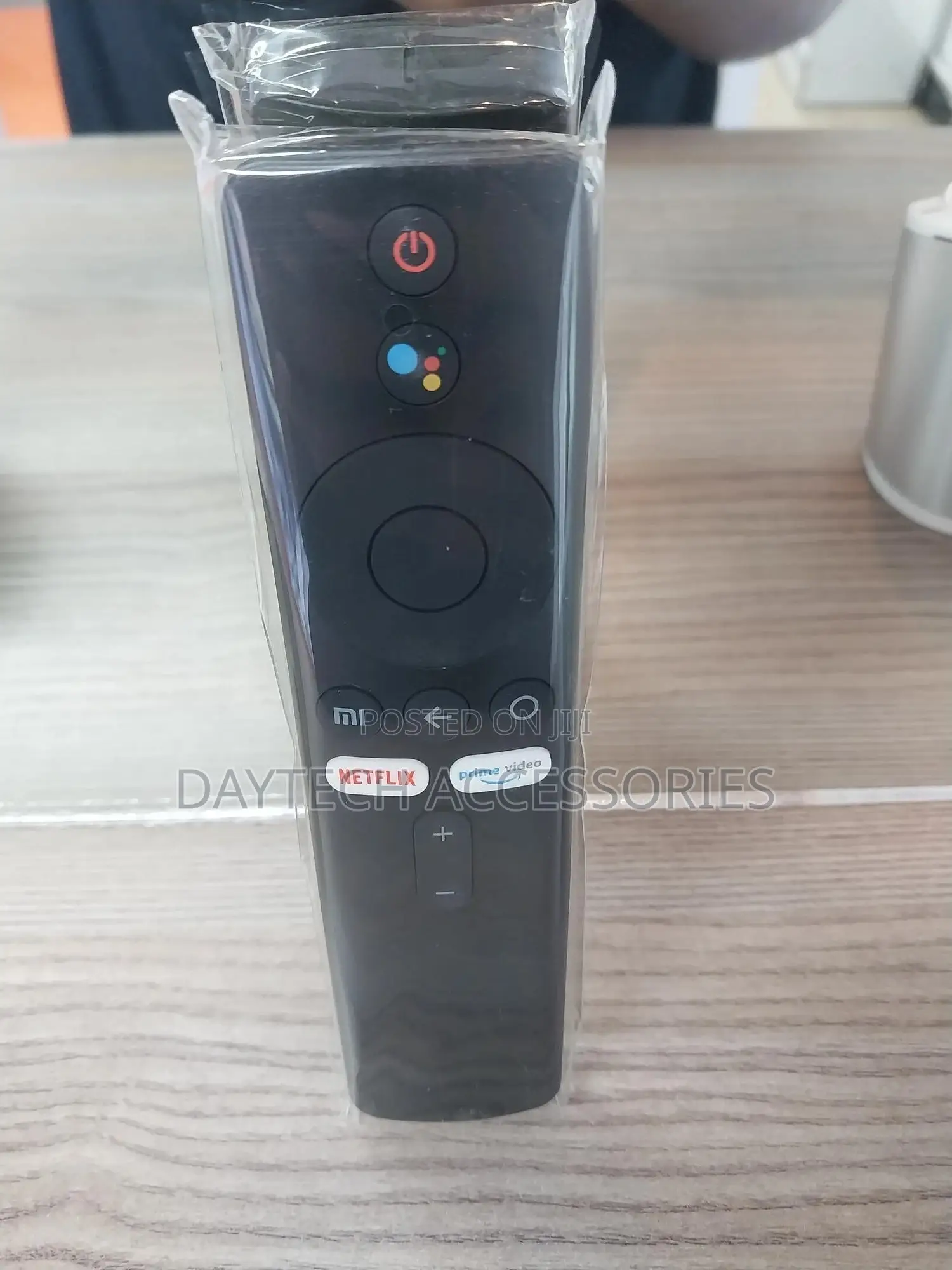
Remote Control for Xiaomi Mi Tv Stick/Mi Box
Store address
Nairobi • Nairobi Central
Moi Avenue , Bazaar Plaza Mezzanine 1
Call me or text me directly and I will respond as soon as possible.
Open now
• Mon - Sat, 10:00-19:00
[Pairing Instructions] 1 First, turn on the Xiaomi TV or Box manually. Place the remote control near the Xiaomi TV or box and at the same time press and hold the red wireframe button underneath for 15-30 seconds.
[Pairing Guide] 2 After the TV displays the pairing interface, release the button and wait for the TV to display
[Pairing Instructions] 3 the successful pairing. It can be used normally. If pairing is unsuccessful, please repeat the above steps.
Remote control for Xiaomi Mi TV Stick/MI BOX 4S 4K
Operation with 2 AAA batteries (not included) Buy The Remote Control for Xiaomi Mi TV Stick/MI Box

Safety tips
- Avoid paying in advance, even for delivery
- Meet with the seller at a safe public place
- Inspect the item and ensure it's exactly what you want
- Make sure that the packed item is the one you've inspected
- Only pay if you're satisfied


