
1/2
Sponsored
Nairobi, Nairobi Central, 1 hour ago
34 views
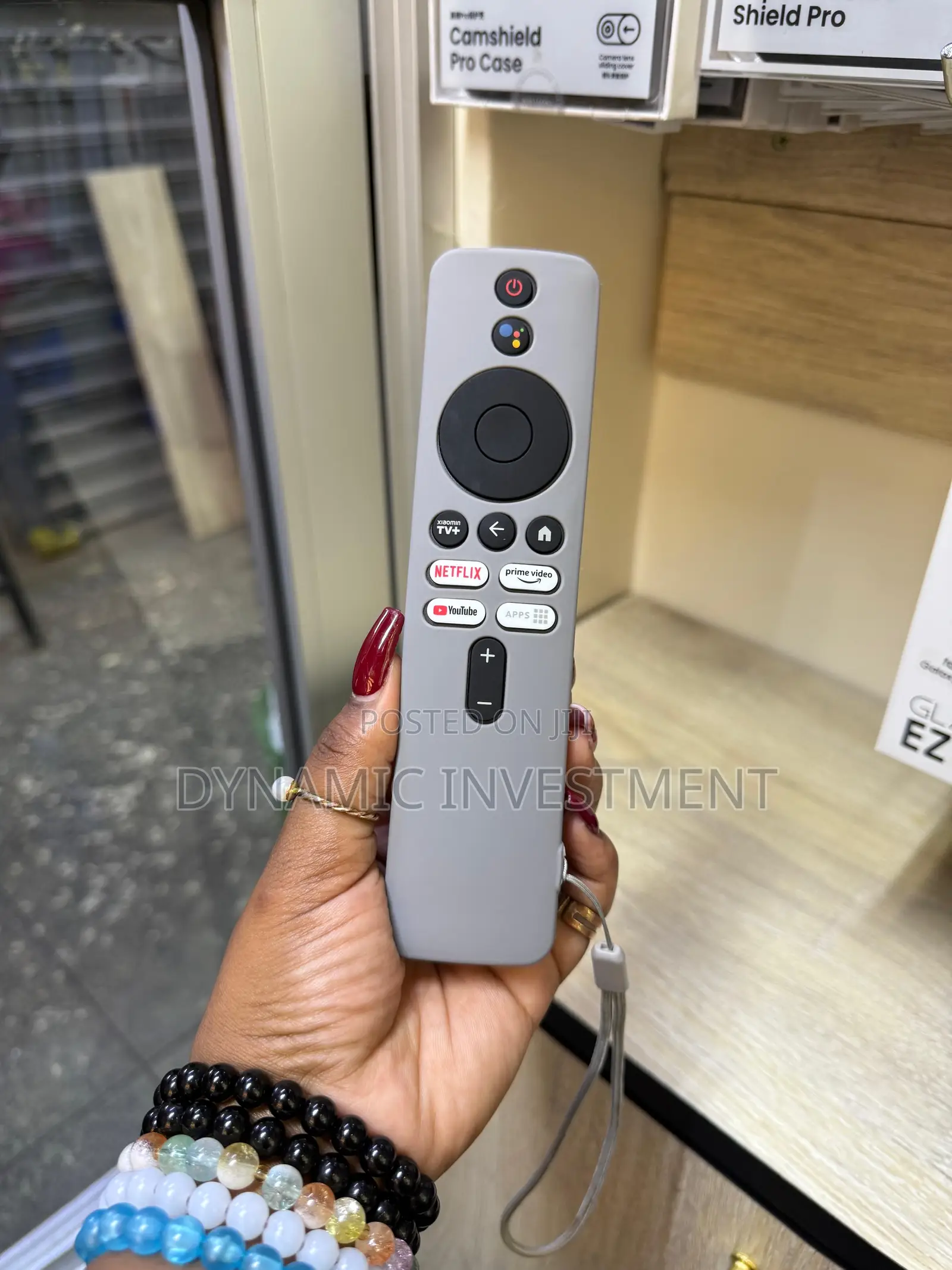
Xiaomi Mi Tv Stick/Mi Box S Remote Control and Cover/Case
Store address
Nairobi • Nairobi Central
New al noor exhibition building 1st floor shop b14 accra road opposite embassava stage
Closed now
• Mon - Sun, 08:30-19:00
[Pairing Instructions] 1 First, turn on the Xiaomi TV or Box manually. Place the remote control near the Xiaomi TV or box and at the same time press and hold the red wireframe button underneath for 15-30 seconds.
[Pairing Guide] 2 After the TV displays the pairing interface, release the button and wait for the TV to display
Remote control for Xiaomi Mi TV Stick/MI BOX 4S 4K
【3 Meters Shockproof】: Durable Silicone Material can protect your remote from 3 meters high drop; effectively protects your remote from daily impact.
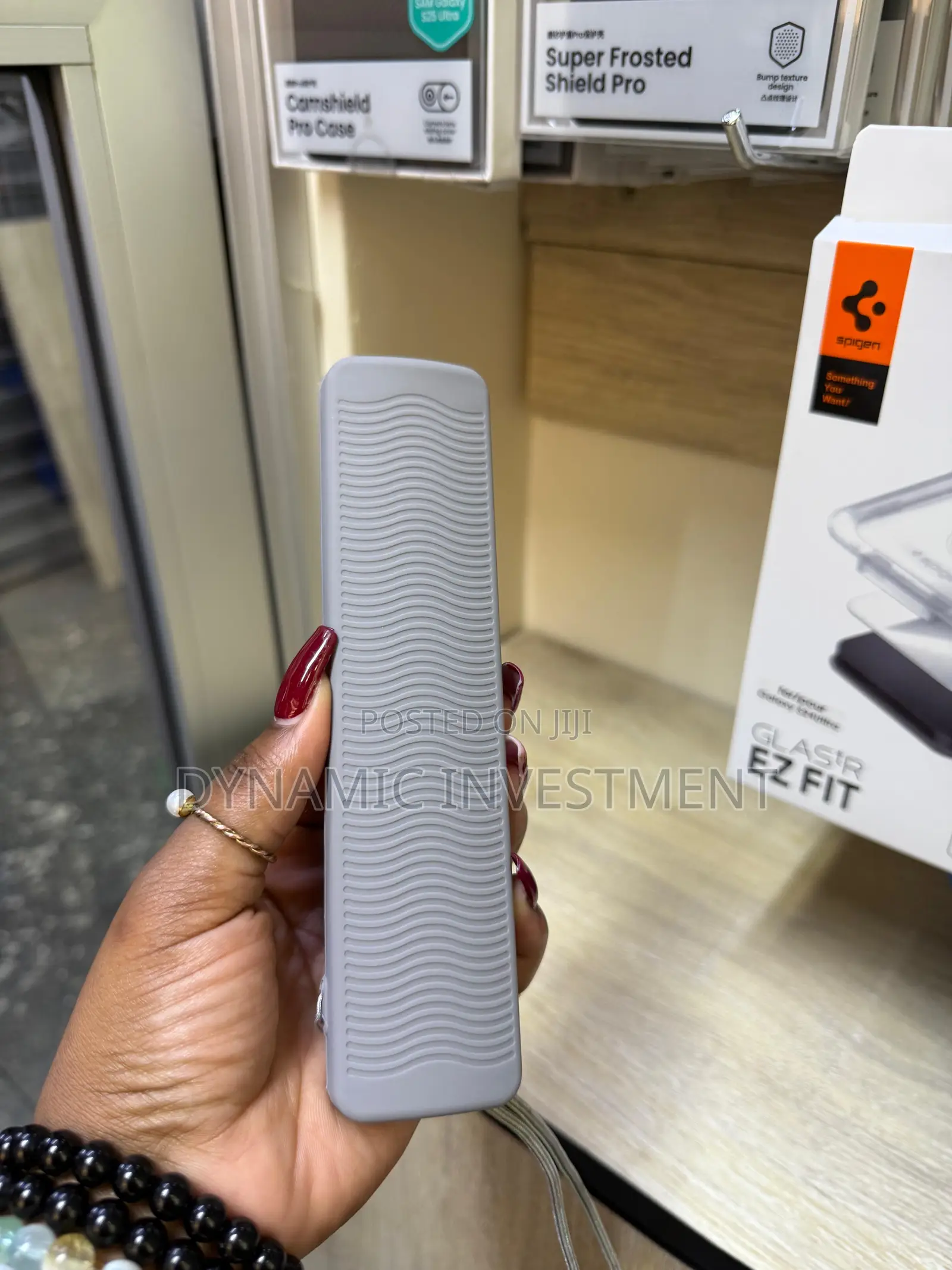
【Great Grip】: Back convex anti-slip design adds great grip. Lanyard prevents the remote from slipping or dropping.
【Accessibility】: Revised with precision cut-outs to ensure full access to all ports, buttons, and features of your remote.

Safety tips
- Avoid paying in advance, even for delivery
- Meet with the seller at a safe public place
- Inspect the item and ensure it's exactly what you want
- Make sure that the packed item is the one you've inspected
- Only pay if you're satisfied


