
Sponsored
Nairobi, Nairobi Central, 2 hours ago
9 views
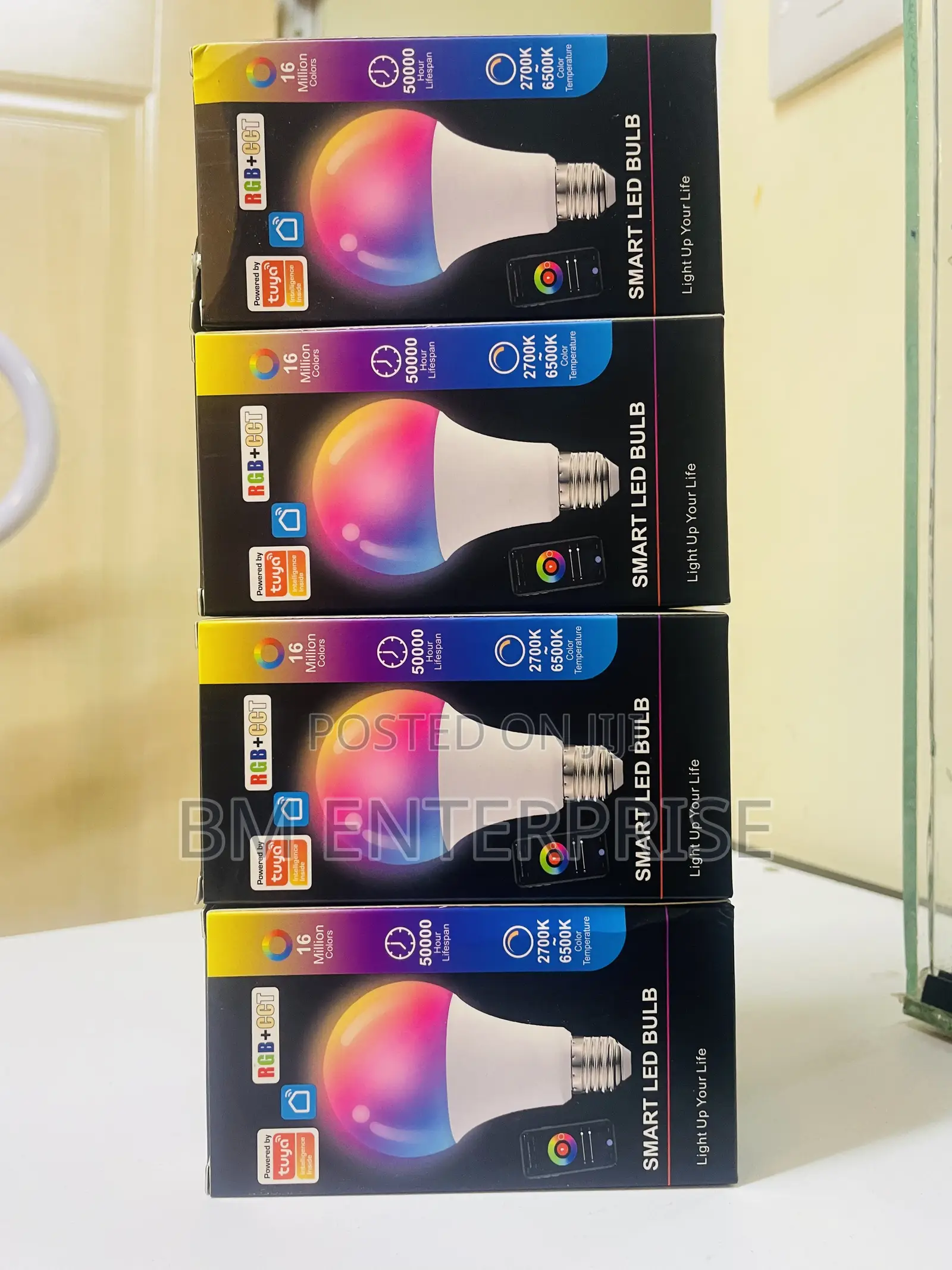
Brand New 9w LED Smart Bulb App Controlled
Tuya Smart
Brand
Lightbulbs
Type
Brand New
Condition
Tuya smart bulbs offer millions of color options, dimming features, and scheduling capabilities, all manageable via the Tuya Smart or Smart Life apps.
Setting Up Your Tuya Smart Bulb/Getting your bulb connected to your home network takes just a few simple steps.
Most bulbs require a 2.4GHz Wi-Fi network to operate seamlessly.
Install and Create an Account: Download the Tuya Smart or Smart Life app from the Google Play Store or Apple App Store and create an account.
Put the Bulb in Pairing Mode: Turn the bulb on and off 3 to 5 times (on, off, on, off, on) until it begins blinking or flashing rapidly.
Add to the App: Open the app, tap the “+” sign in the top right corner, and select “Add Device”. The app will discover the light (often listed as “Light (Wi-Fi + BLE)”).
Enter your Wi-Fi password when prompted to complete the pairing.

Safety tips
- Avoid paying in advance, even for delivery
- Meet with the seller at a safe public place
- Inspect the item and ensure it's exactly what you want
- Make sure that the packed item is the one you've inspected
- Only pay if you're satisfied


