
Sponsored
Nairobi, Nairobi Central, 2 hours ago
1 views
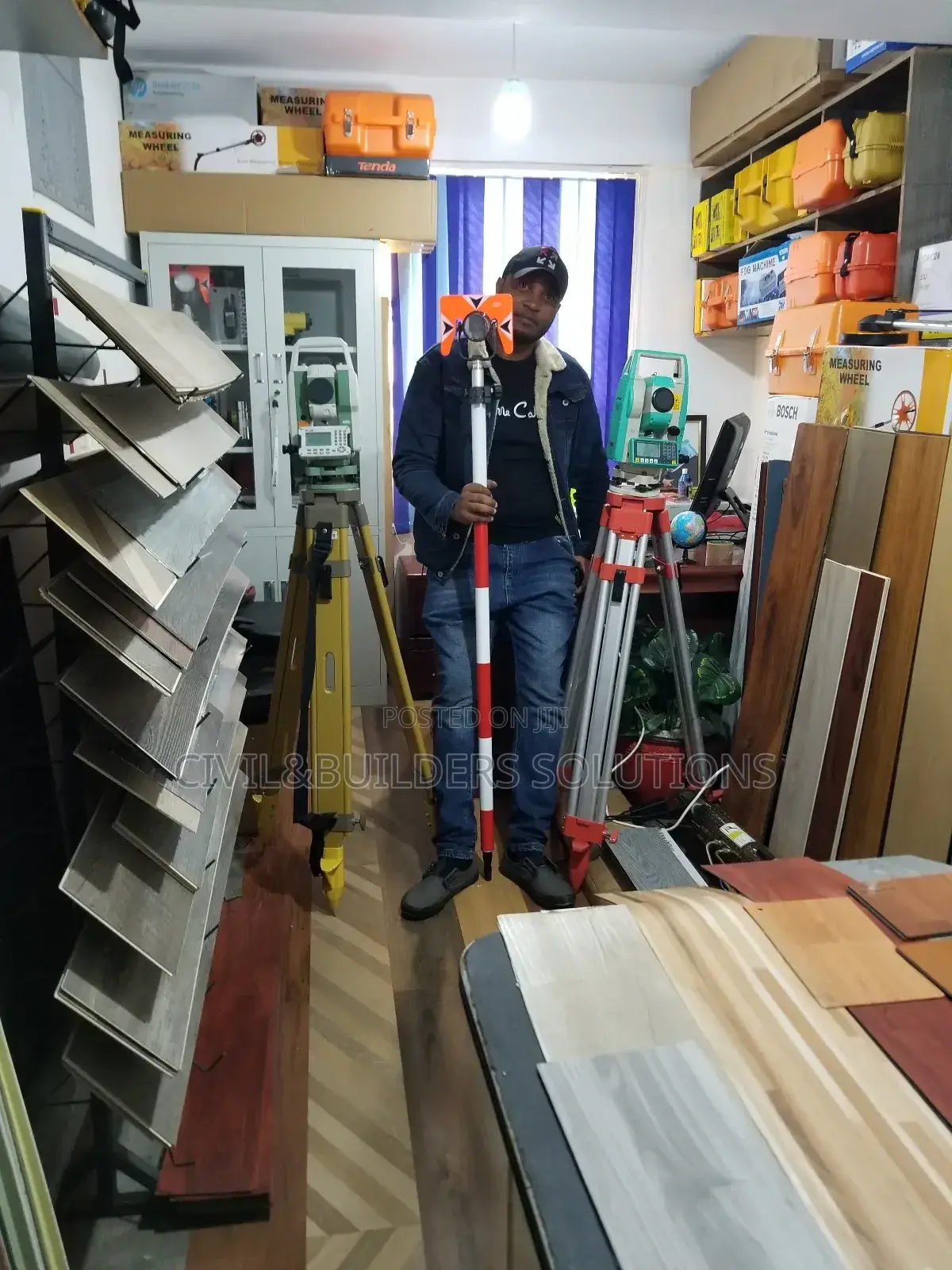
Total Station Set Up
Brand New
Condition
Other
Brand
Auto Level
Type
Horizontal and Vertical
Auto Level Subtype
III
Laser Class
30X
Magnification
10000m
Max Working Range
1000m
Field of View at 100m
2
Number of Lines
Internal Memory, LED Display, With Box, With Glasses, With Tripod
Auto Level Features
Store address
Kiambu • Ruiru
New home bussiness center ruiru, next to kcb bank, 2nd flr rm 211
We R along thika road, ruiru town next to kcb bank or opposite equity bank ruiru and petanns driving
Open now
• Mon - Sun, 08:00-19:30
How to Use a FOIF Total Station
Set Up Tripod
Fix the tripod firmly on the ground over the survey point.
Mount & Level the Instrument
Attach the FOIF total station, center it using the laser/optical plummet, then level using the foot screws and electronic bubble.
Power On & Create Job
Turn on the instrument. Create a new job and set units, prism constant, and instrument height (HI).
Backsight Setup
Sight your backsight point. Enter its coordinates or azimuth. Press MEAS to confirm orientation.
Measure Points
Set prism height (HR). Aim at the prism. Press MEASURE to record distance, angles, and coordinates. Press STORE to save the point.
Stake Out
Select point to set out. Aim at prism and follow the screen directions
Save the job, export data via USB/Bluetooth, and power off.

Safety tips
- Avoid paying in advance, even for delivery
- Meet with the seller at a safe public place
- Inspect the item and ensure it's exactly what you want
- Make sure that the packed item is the one you've inspected
- Only pay if you're satisfied


