
Enterprise
Sponsored
Nairobi, Nairobi Central, 1 hour ago
12 views
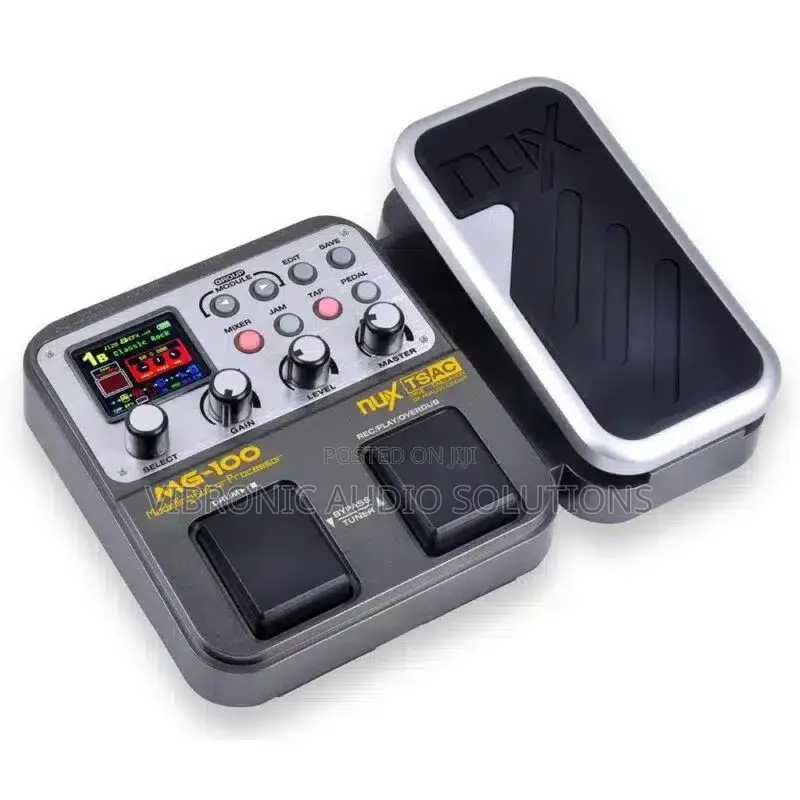
NUX MG100 Effects Pedal
NUX
Brand
Parts & Accessories
Type
Guitar
Musical Instrument
Brand New
Condition
Preset(footswitches): Select presets;
Right switch: select the next preset up Left switch: select the next preset down Both switch(press simultaneously): enter tuning mode 2.Expression pedal: Control Nux MG-100 Modeling Guitar Processor volume, wah or assigned effect parameter.
3.Module button: Control effect module.4.Save button: Save tone settings that you create by using the panel knobs and pedals.
KSh 12,500
NegotiableSafety tips
- Avoid paying in advance, even for delivery
- Meet with the seller at a safe public place
- Inspect the item and ensure it's exactly what you want
- Make sure that the packed item is the one you've inspected
- Only pay if you're satisfied


