
1/4
Nairobi, Nairobi Kati, masaa 2 yaliyopita
25 maoni
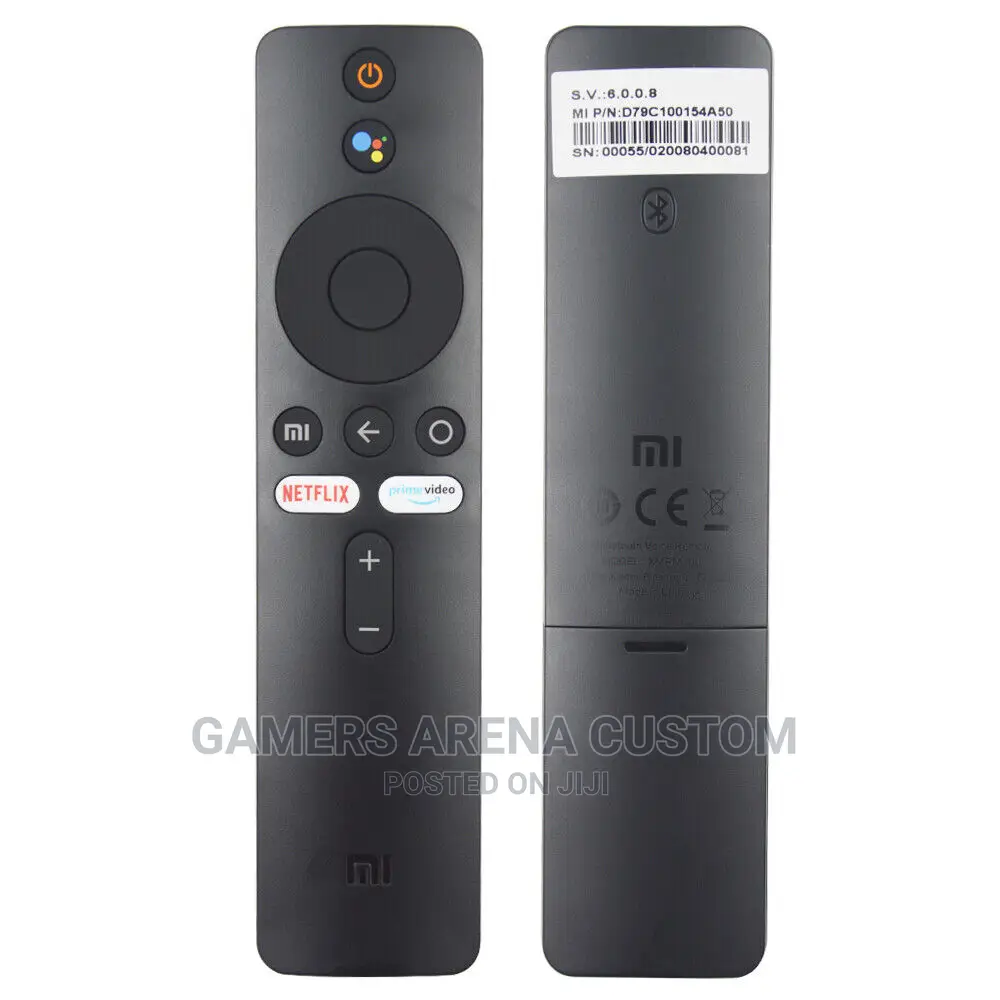
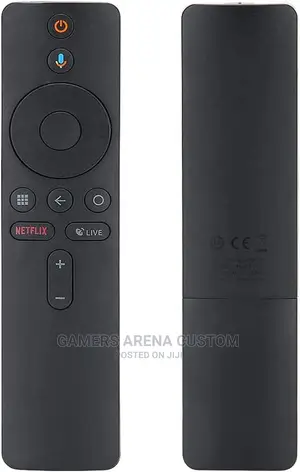
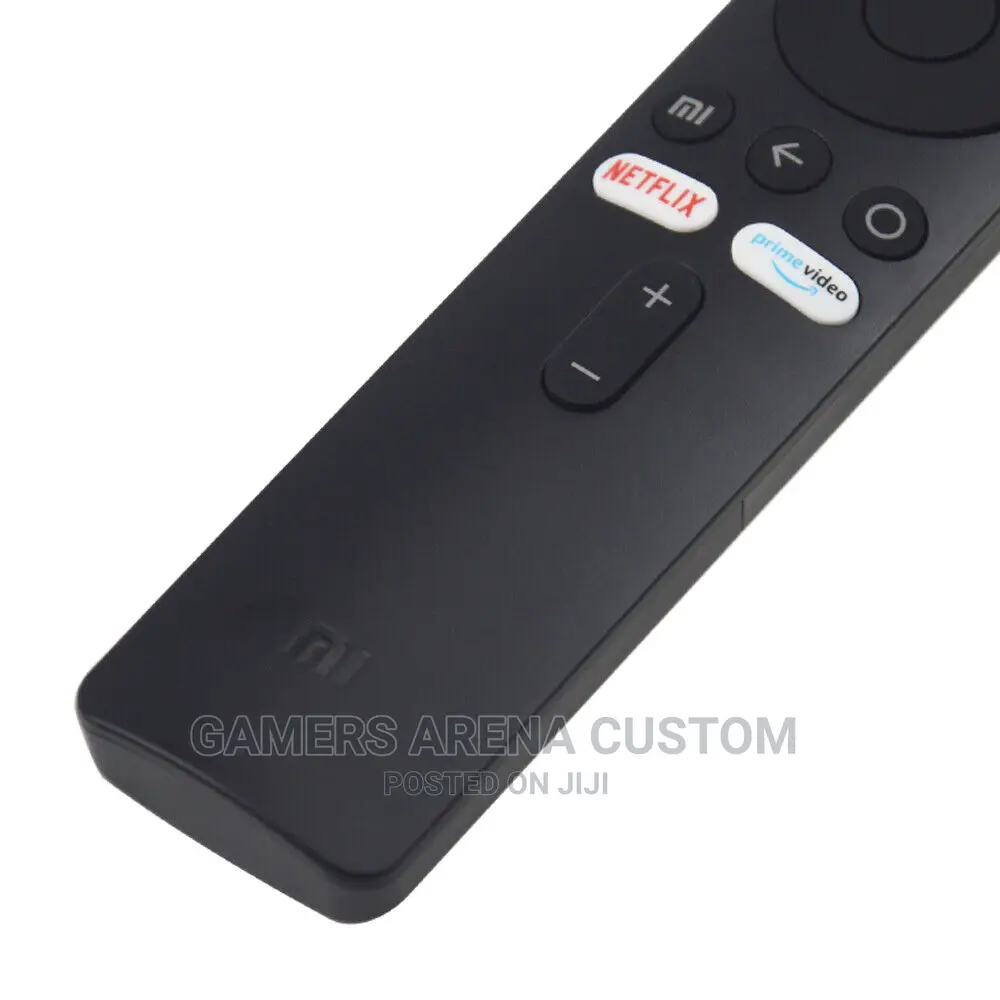
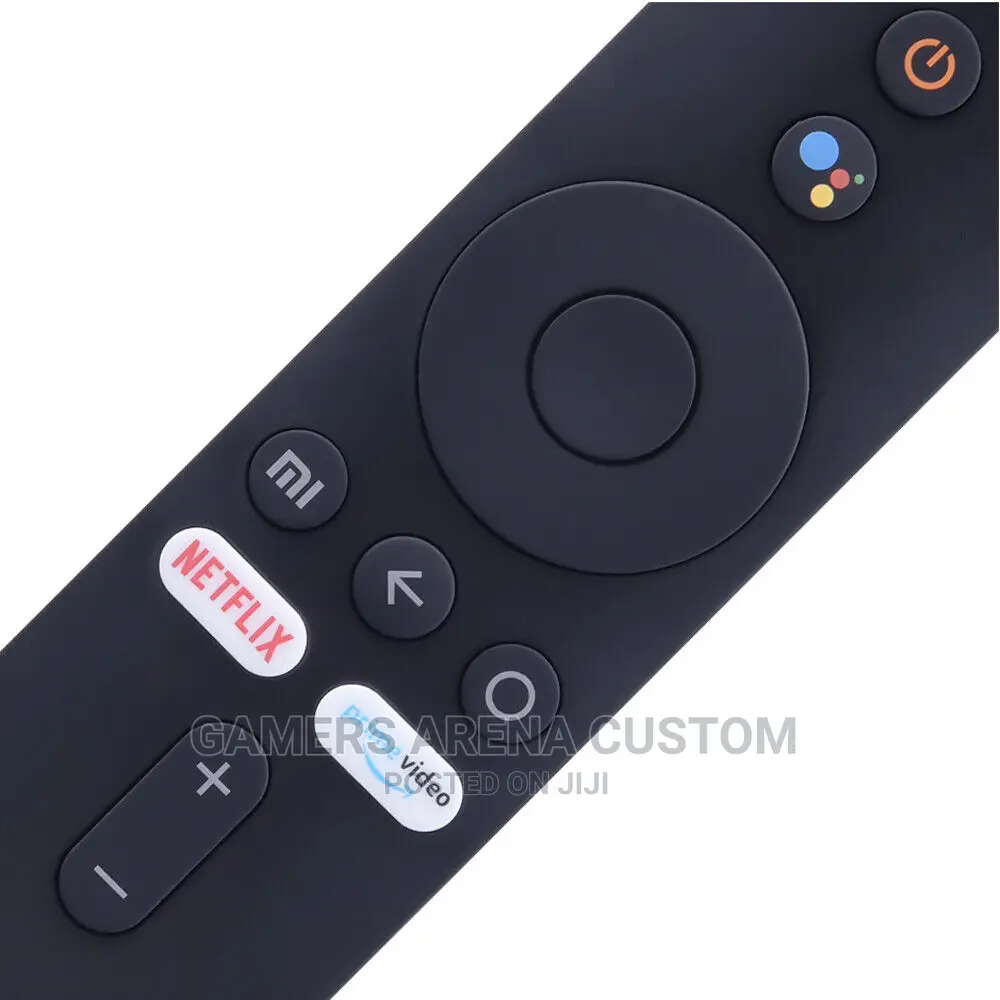
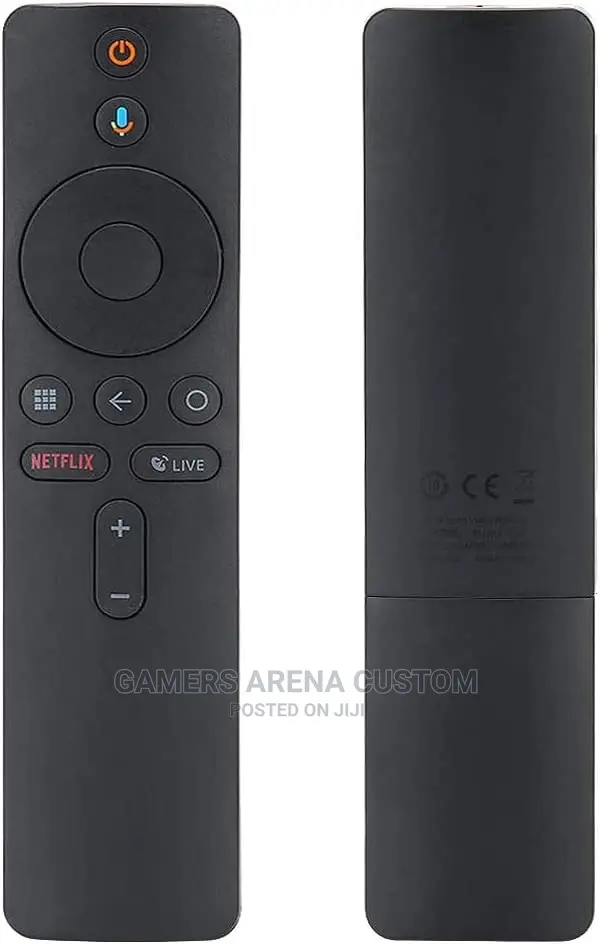
Original Xiaomi MI Box Bluetooth Voice Remote Control
Anwani ya duka
Nairobi • Nairobi Kati
TwigaTowers,Muranga Road Off Moi Avenue,2nd Floor Suite 202
Fungua sasa
• Jumatatu - Jumamosi, 08:00-19:00
Mombasa • Nyali
Links Road
Next To Duniya Garden Resort
Fungua sasa
• Jumatatu - Jumapili, 09:00-18:00
Original Xiaomi MI Box 4K Bluetooth Voice Remote Control
Item Type: Remote Control
Material: ABS Shell
Color: Black
Power by : 2xAAA Batteries(Not Included)
Weight: Approx. 42g
Package List:
1x Remote Control
How to pair Xiaomi Mi Box S and remote controller?
Step 1: Open the battery cover of the Bluetooth remote control, remove the insulation film, and install the battery (positive side up) and the battery cover.
Step 2: Enter [Settings] -> [System Settings] -> [Network] -> [Bluetooth].
Step 3: Press the Bluetooth remote control [ button.
Step 4: Use the remote control to click [Search Device] -> [Searched Device] -> Click [Xiameter Bluetooth Remote Control].
Step 5: After performing the above steps, you can see the Xiaomi Bluetooth remote control in the paired device list, and when the "drip" sound is emitted, operate the Bluetooth remote control direction.

Vidokezo vya Usalama
- Usilipe mapema hata kama ni ada ya kusafirishiwa bidhaa
- Kutana na muuzaji mahali salama pa umma
- Kagua kipengee na uhakikishe ni nini hasa unachotaka
- Hakikisha kwamba bidhaa uliyofungiwa ni ile ambayo uliagiza
- Lipa tu ikiwa umeridhika


