
1/2
Imefadhiliwa
Nairobi, Nairobi Kati, masaa 2 yaliyopita
18 maoni
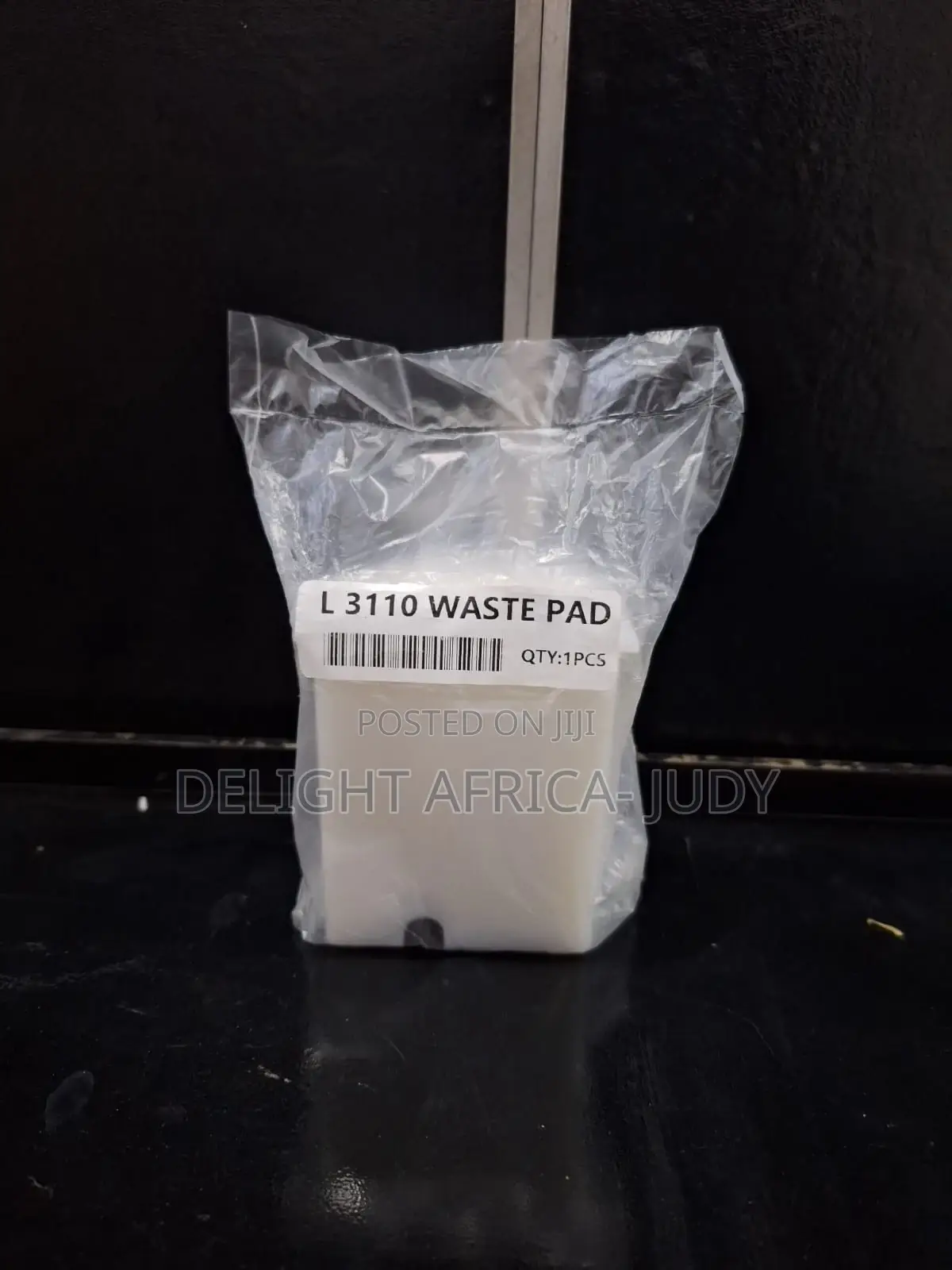
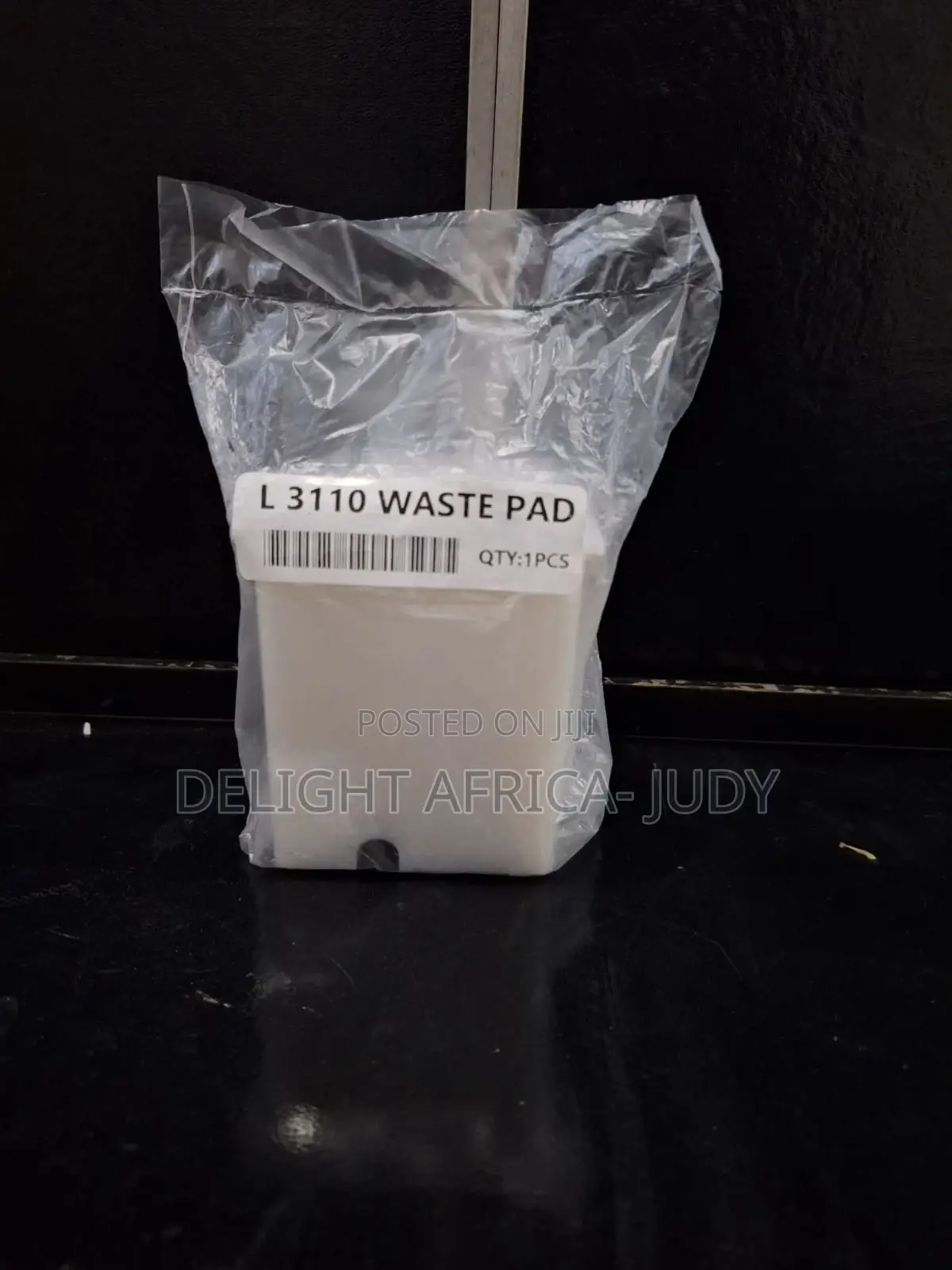
Waste Ink Pad for Use in Epson L3100/L3101/L3110/L3150
Anwani ya duka
Nairobi • Nairobi Kati
1st Flr, Delight Technical College, Muindi Mbingu Street, opp. Jevanjee Gardens, Next to Jumia,CBD
next to House of Leather
Fungua sasa
• Jumatatu - Jumapili, 00:00-23:00
Description
Waste Ink Pads are actually a number of porous pads in the printer that collect, distribute, and very importantly contain the ink that is not used on printed pages. Ink is collected by these pads during the initial setup of the product, during cleaning cycles it dispels ink from its nozzles and tubes down a waste pipe into an absorbent pad (Waste Ink Pad) Parts inside your printer are at the end of their service life. Following procedure is used to replace ink pads 1. Unplug the power and USB cables from the printer. 2. Next To replace the ink pad, it is located at the base of the printer . Open screw from backside of printer. 3. Remove the old full and messy waste ink pad. place the new fresh pad back . 4. Plug in the USB & power cable and turned it on.

Vidokezo vya Usalama
- Usilipe mapema hata kama ni ada ya kusafirishiwa bidhaa
- Kutana na muuzaji mahali salama pa umma
- Kagua kipengee na uhakikishe ni nini hasa unachotaka
- Hakikisha kwamba bidhaa uliyofungiwa ni ile ambayo uliagiza
- Lipa tu ikiwa umeridhika


