
1/2
Imefadhiliwa
Nairobi, Nairobi Kati, 36 min ago
1 maoni
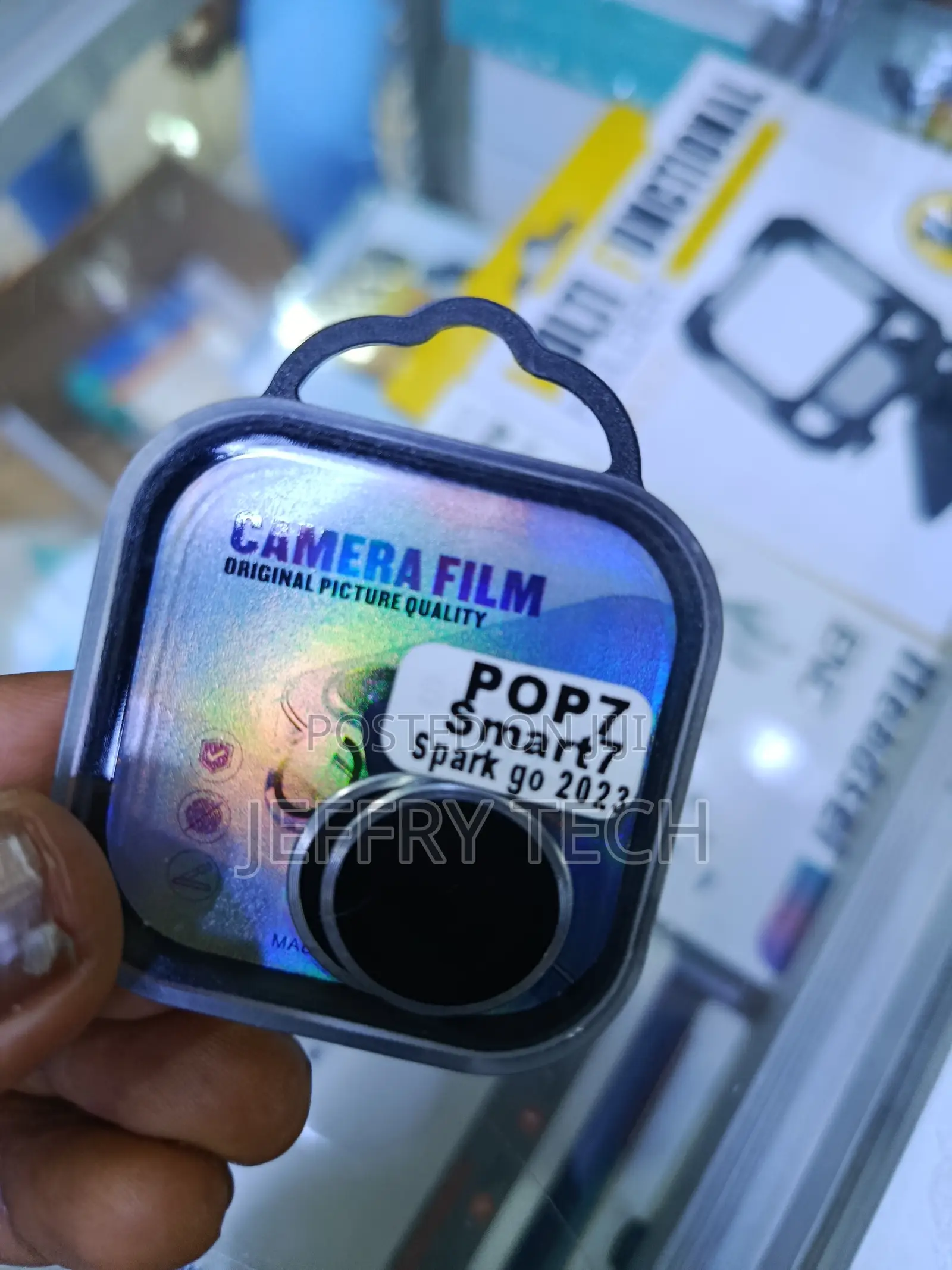
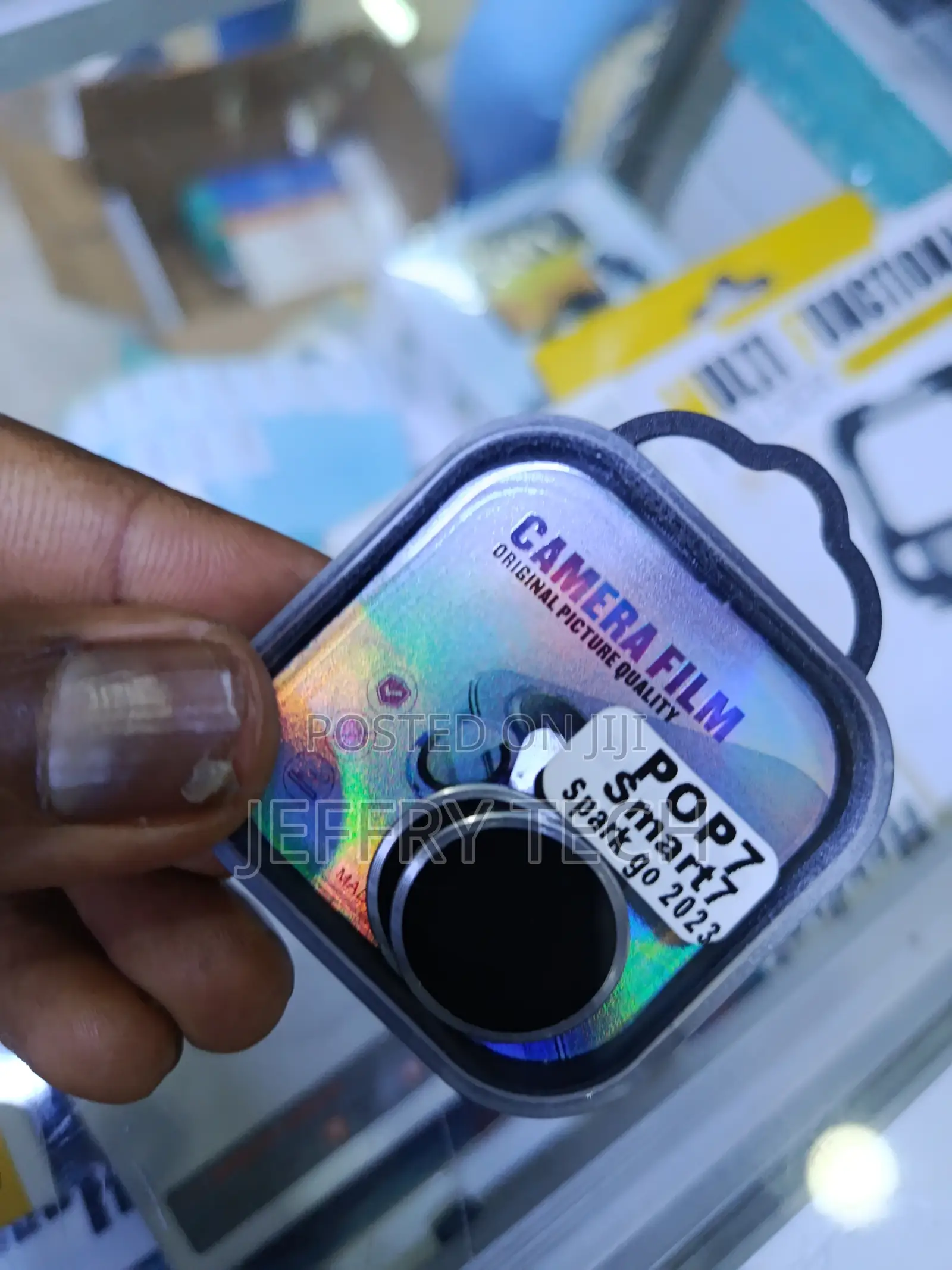
Midy Camera Lens Protector for a Tecno Pop 7 Smart 7, or Spark Go 2023
Anwani ya duka
Nairobi • Nairobi Kati
Nairobi central
Imefungwa sasa
• Jumatatu, Jumamosi, 08:00-19:00
Clean the Lens: Use a microfiber cloth (and an alcohol wipe if included) to remove all fingerprints and dust from your phone's camera lenses.
Peel the Film: Carefully remove the protective film from the back of the lens protector.
Align and Press: Line it up exactly with your phone's camera lens and press down firmly.
Remove Bubbles: If you see any air bubbles, press them out toward the edges with your finger.
Vidokezo vya Usalama
- Usilipe mapema hata kama ni ada ya kusafirishiwa bidhaa
- Kutana na muuzaji mahali salama pa umma
- Kagua kipengee na uhakikishe ni nini hasa unachotaka
- Hakikisha kwamba bidhaa uliyofungiwa ni ile ambayo uliagiza
- Lipa tu ikiwa umeridhika


