
1/2
Imefadhiliwa
Nairobi, Nairobi Kati, siku 1 zilizopita
1 maoni
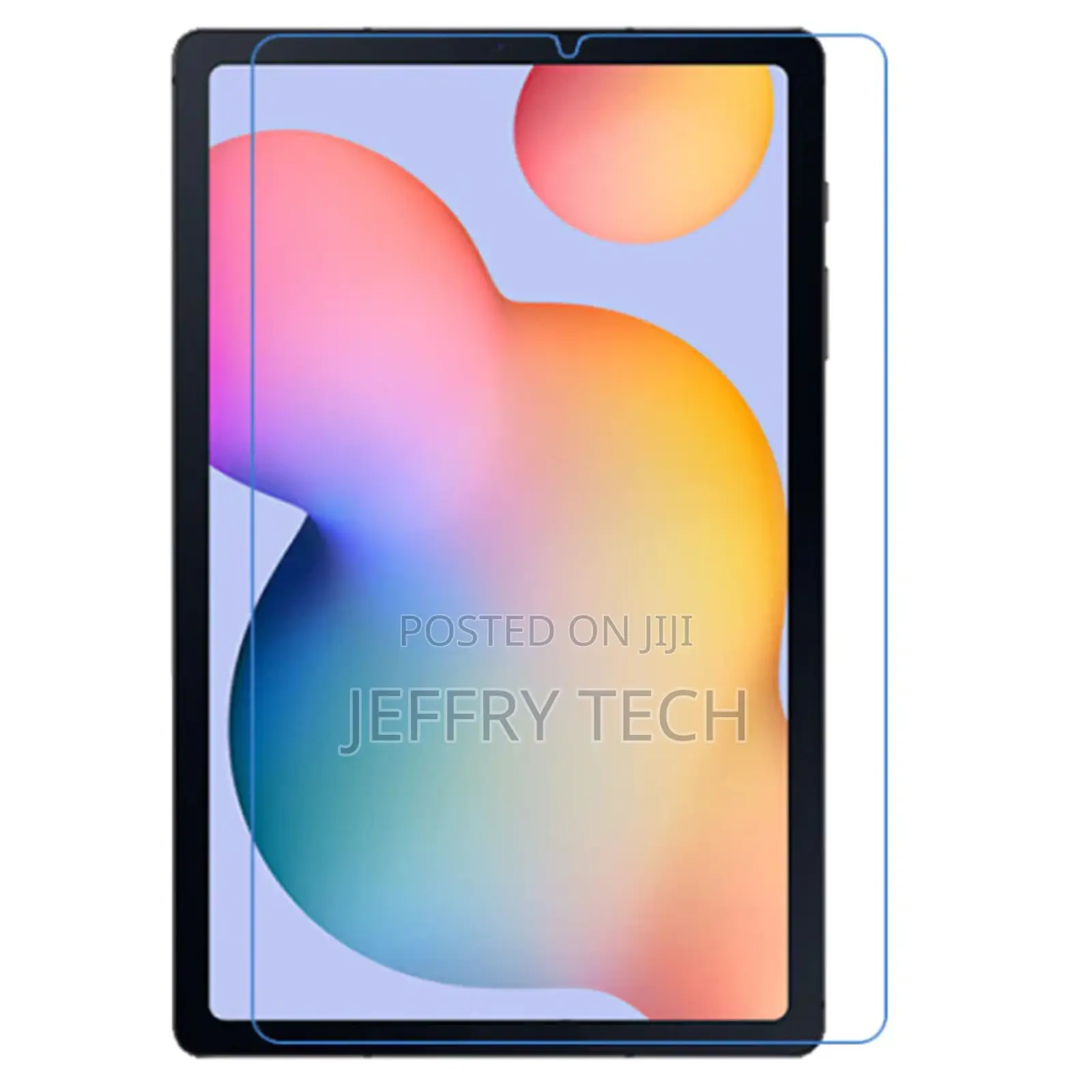
Samsung Tab S6 Lite Screen Protector Samsung
Anwani ya duka
Nairobi • Nairobi Kati
Nairobi central
Imefungwa sasa
• Jumatatu, Jumamosi, 08:00-19:00
Features:
Specially designed Samsung Tab S6 Lite Screen Protector
Protects screen against dust and scratches
Offers tough, durable, transparent surface while keeping the screen clean and unscratched
Silicone adhesive coating: no glue residue when removed
Anti-scratch film: thickest and most durable
Samsung Tab S6 Lite Screen Protector offers transparent, unmatched clarity
Ultra smooth surface: enhances the experience and utilisation of touch screen and stylus features
== Screen protector installation guide:
The screen protector has two outer protective layers. There are several steps involved to put the screen protector on.
1. Use the cloth in the package to clean the screen. Make sure there is no dust on the screen.
2. Peel off one end of the protective layer with "Step (1)" sign on it. DO NOT peel off the entire protective layer
Vidokezo vya Usalama
- Usilipe mapema hata kama ni ada ya kusafirishiwa bidhaa
- Kutana na muuzaji mahali salama pa umma
- Kagua kipengee na uhakikishe ni nini hasa unachotaka
- Hakikisha kwamba bidhaa uliyofungiwa ni ile ambayo uliagiza
- Lipa tu ikiwa umeridhika


