
1/2
Imefadhiliwa
Nairobi, Nairobi Kati, masaa 2 yaliyopita
1 maoni
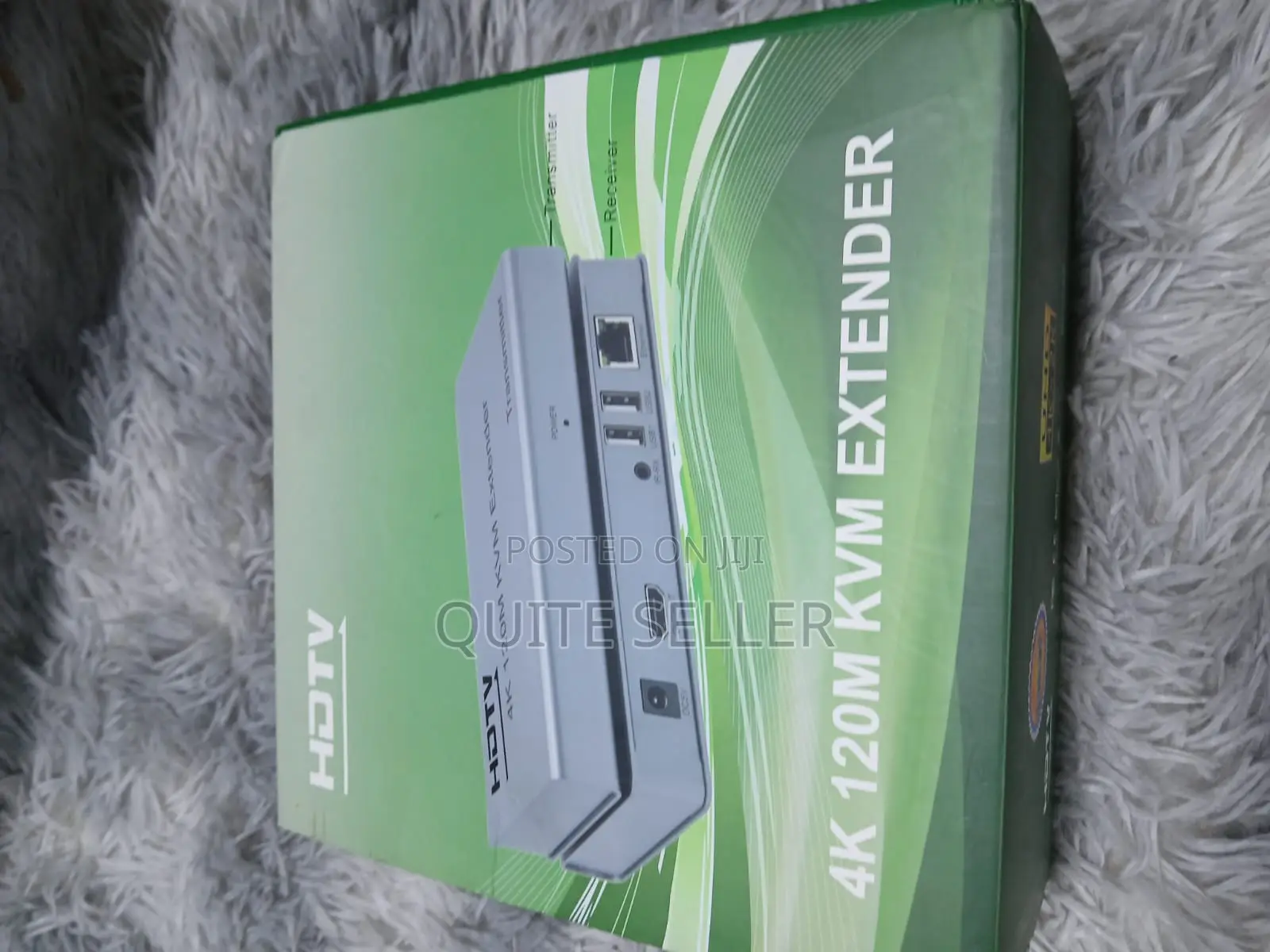
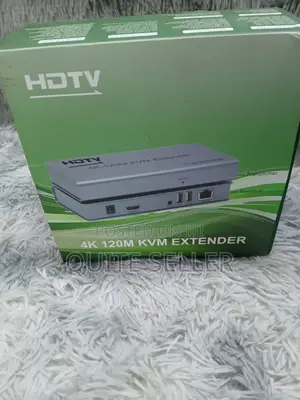
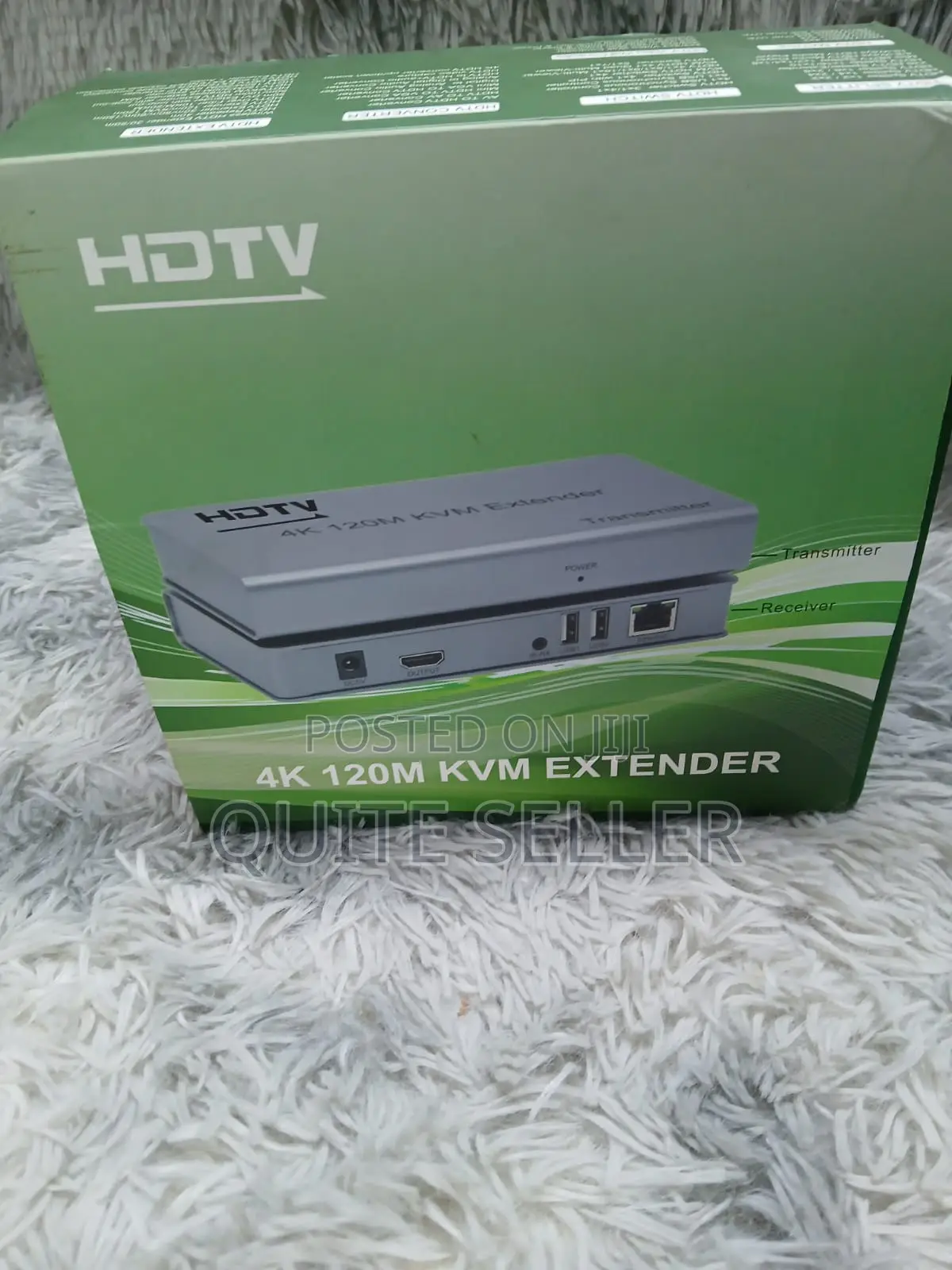
120metre KVM (Keyboard, Video, and Mouse)Extender
Anwani ya duka
Nairobi • Nairobi Kati
MFANGANO STREETRWARE BUSINESS CENTRE 4TH FLOOR 404
RWARE BUSINESS CENTRE 4TH FLOOR 404
Imefungwa sasa
• Jumatatu - Jumamosi, 08:00-19:00
Nairobi • Nairobi Kati
MFANGANO STREETRWARE BUSINESS CENTRE 4TH FLOOR 404, RWARE BUSINESS CENTRE 4TH FLOOR 404
MFANGANO STREETRWARE BUSINESS CENTRE 4TH FLOOR 404, RWARE BUSINESS CENTRE 4TH FLOOR 404
Imefungwa sasa
• Jumatatu - Jumamosi, 09:00-18:00
1. Increased productivity: Easily switch between computers without switching keyboards and mice.
2. Reduced clutter: Consolidate your workspace with a single set of peripherals.
3. Improved efficiency: Quickly access and control
multiple computers
HOWTO CONNECT.
1. Connect computers: Connect multiple computers to the KVM switch using HDMI or DisplayPort cables.
2. Connect peripherals: Connect your keyboard, mouse, and monitor to the KVM switch.
3. Switch between computers: Use hotkeys, buttons, or mouse gestures to switch between computers.
4. Control computers: Use your single keyboard and mouse to control each computer as if you were directly connected.
Vidokezo vya Usalama
- Usilipe mapema hata kama ni ada ya kusafirishiwa bidhaa
- Kutana na muuzaji mahali salama pa umma
- Kagua kipengee na uhakikishe ni nini hasa unachotaka
- Hakikisha kwamba bidhaa uliyofungiwa ni ile ambayo uliagiza
- Lipa tu ikiwa umeridhika


