
Imefadhiliwa
Nairobi, Nairobi Kati, siku 1 zilizopita
2 maoni
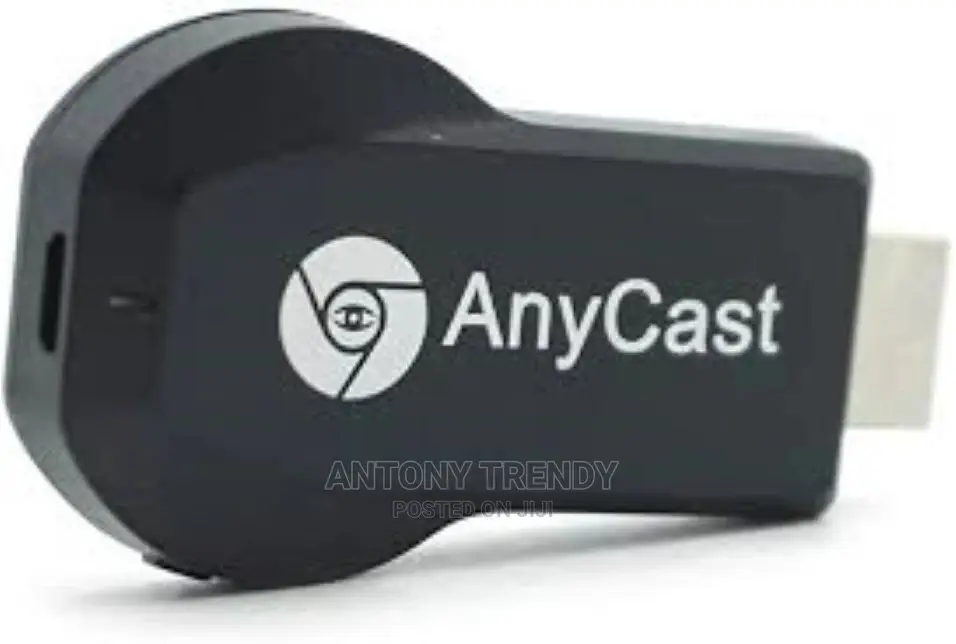
HDMI Dongle Multi-Display Receiver. Multi-Screen Interactive
Dongle
Aina
Other
Chapa
Chapa Mpya
Hali
Anwani ya duka
Nairobi • Nairobi Kati
SIMARAMALL SHOP 28 -TOMMBOYA STREET OPP ARCHIVES TAKE STAIRS TO 1ST FLOOR TURN RIGHT THE 4TH SHOP
FORMER TUSKYS BUILDING
Fungua sasa
• Jumatatu - Jumamosi, 08:00-20:00
Connect the dongle to power by using either a power adaptor (with a micro usb plug) or the included usb power adaptor. 2) plug the dongle into the hdmi port of your tv or projector. 3) switch your tv or projector’s input source to hdmi. the dongle’s main menu should appear on the screen. 4) once you have paired the dongle to your device, we recommend connecting the dongle to your wireless router for internet access.
mirror function: project and mirror your smart device without any restrictions. users can mirror pictures, music, camera, and documents from phones, tablets, latops, and desktops onto a tv screen or projector.
support online & local (content wireless) display:
KSh 1,900

Vidokezo vya Usalama
- Usilipe mapema hata kama ni ada ya kusafirishiwa bidhaa
- Kutana na muuzaji mahali salama pa umma
- Kagua kipengee na uhakikishe ni nini hasa unachotaka
- Hakikisha kwamba bidhaa uliyofungiwa ni ile ambayo uliagiza
- Lipa tu ikiwa umeridhika


