
Imefadhiliwa
Nairobi, Nairobi Kati, siku 1 zilizopita
21 maoni
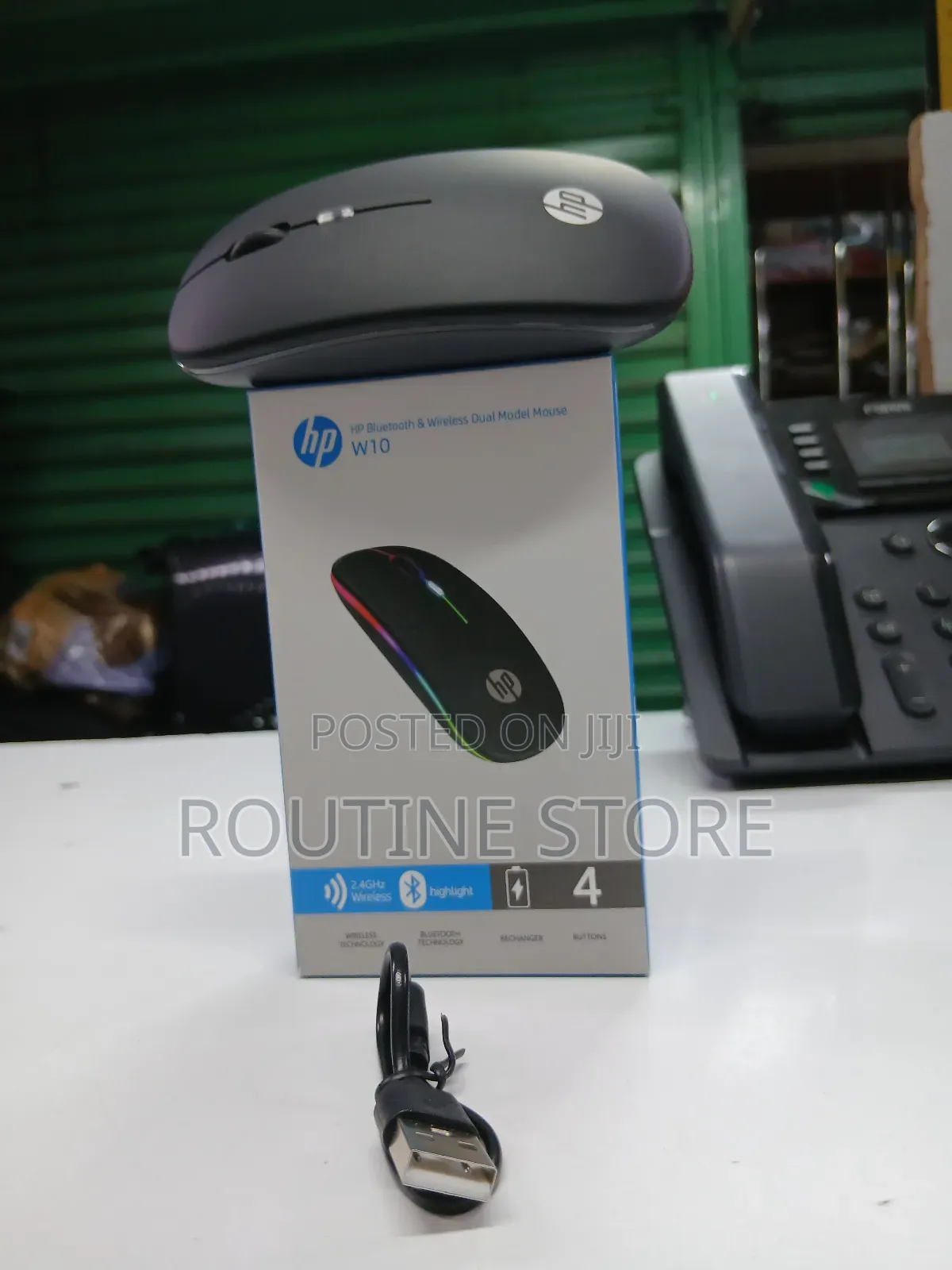
Hp Wireless Bluetooth Mouse W10
Panya
Aina
HP
Chapa
Chapa Mpya
Hali
Bluetooth
Aina ya Muunganisho wa Panya
3m
Urefu wa kebo
2
Idadi ya Vitufe
1600dpi
Upeo wa Dpi
Macho/chore
Njia ya Kufuatilia
Bluetooth
Kiolesura cha Kipanya
Nyingine
Rangi
DPI inayoweza kubadilishwa
Vipengele vya Kipanya
Anwani ya duka
Nairobi • Nairobi Kati
Accra Road White Angle House Mezzanine floor Room 43 / 44
Open
• Jumatatu - Jumamosi, 08:00-18:00
Turn on the Bluetooth mouse and make sure it’s in pairing mode (often a button you hold until a light flashes).
On your Windows 10 PC, open Settings → Devices → Bluetooth & other devices.
Turn Bluetooth On if it’s off.
Click “Add Bluetooth or other device” → choose Bluetooth.
Select your mouse from the list and click Pair.
Once connected, you can use the mouse normally.
If the mouse has a USB dongle instead of Bluetooth, plug the USB receiver into your PC — no Bluetooth setup needed.
Vidokezo vya Usalama
- Usilipe mapema hata kama ni ada ya kusafirishiwa bidhaa
- Kutana na muuzaji mahali salama pa umma
- Kagua kipengee na uhakikishe ni nini hasa unachotaka
- Hakikisha kwamba bidhaa uliyofungiwa ni ile ambayo uliagiza
- Lipa tu ikiwa umeridhika


