
1/3
Imefadhiliwa
Nairobi, Nairobi Kati, 13 min ago
7 maoni
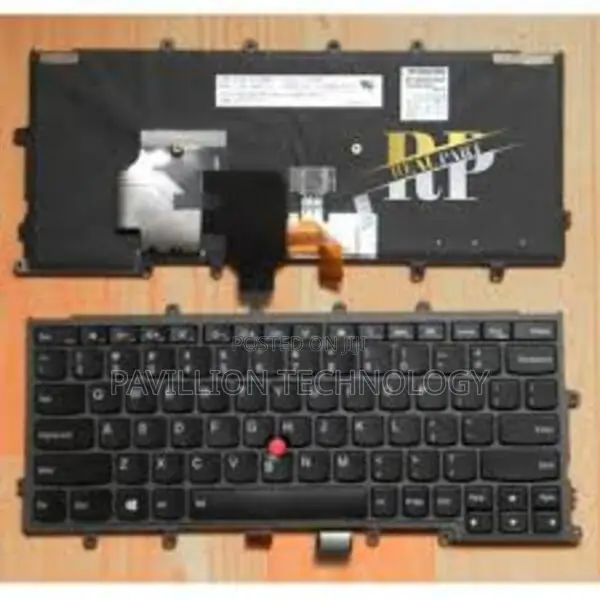
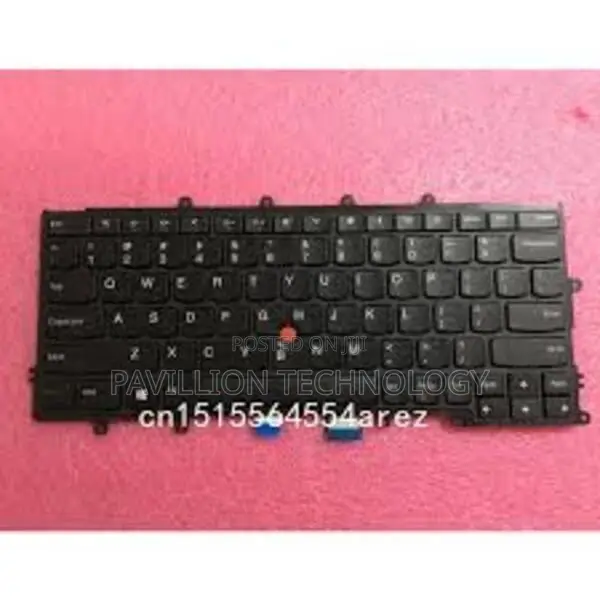
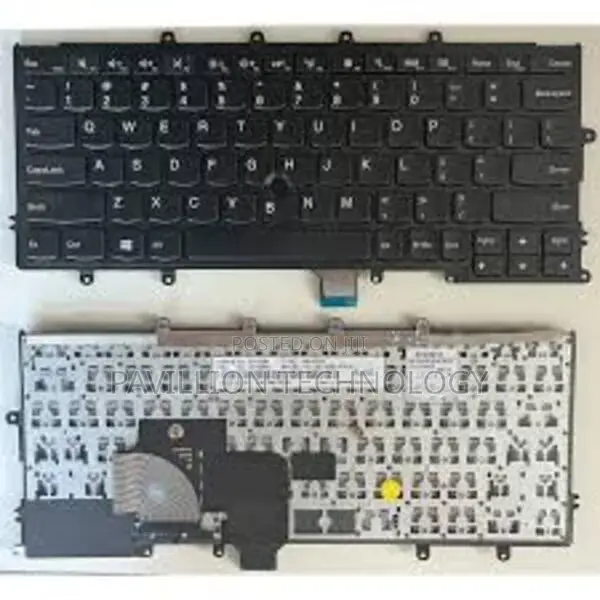
Lenovo X270 Backlit Keyboard
Baobonye
Aina
Chapa
Chapa Mpya
Hali
Mitambo
Swichi za Kibodi
1m
Urefu wa kebo
Other
Kiolesura cha Kibodi
252
Idadi ya Vitufe
Nyeupe
Taa ya nyuma
Nyeupe
Rangi
Pumziko la mkono
Vipengele vya Kibodi
Anwani ya duka
Nairobi • Nairobi Kati
Located at moi Avenue new mithoo house opposite the bazaar shop g90 near sonford fish and chips
Mithoo house opposite bihi towers ground floor g90 just next to sonford fish and chips
Fungua sasa
• Jumatatu - Jumamosi, 09:00-19:00
Lenovo x270 backlit keyboard
The Lenovo ThinkPad X270 does come with an optional backlit keyboard. If your X270 model is equipped with this feature, you can easily toggle the backlight on and off.
To control the backlit keyboard on the ThinkPad X270:
To turn on/off the backlight:
Press the F6 key (this key usually has a keyboard icon with a light) to toggle the backlight. If your laptop has backlit functionality, this will turn it on or off.
Adjust the brightness:
You can typically adjust the brightness of the backlit keyboard by pressing Fn + F6 to decrease or increase the backlight brightness (if your model supports brightness adjustment).
If you don’t see the backlight responding to these key presses, it could be that:
Vidokezo vya Usalama
- Usilipe mapema hata kama ni ada ya kusafirishiwa bidhaa
- Kutana na muuzaji mahali salama pa umma
- Kagua kipengee na uhakikishe ni nini hasa unachotaka
- Hakikisha kwamba bidhaa uliyofungiwa ni ile ambayo uliagiza
- Lipa tu ikiwa umeridhika


