
Imefadhiliwa
Nairobi, Nairobi Kati, siku 1 zilizopita
6 maoni
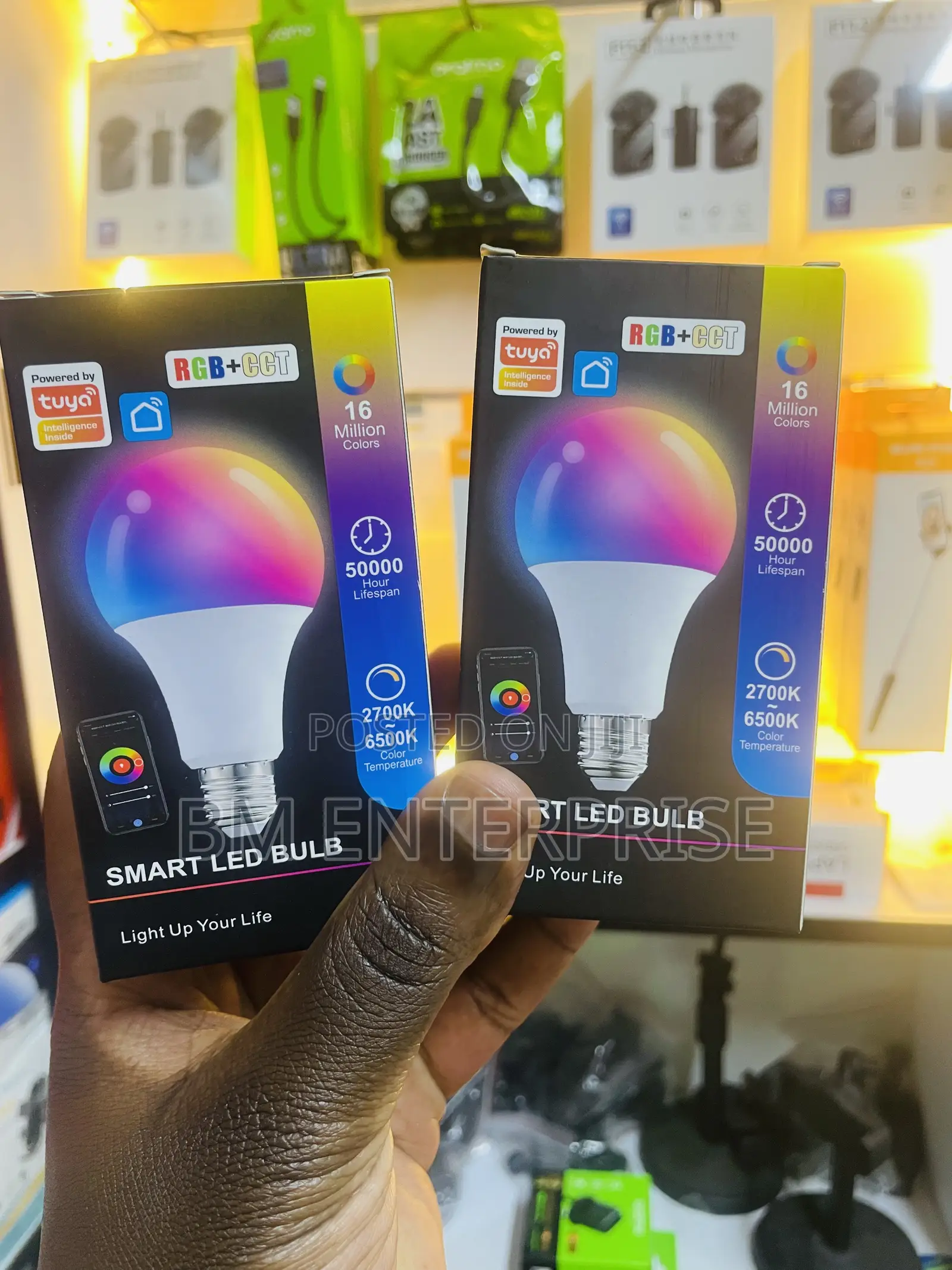
Tuya LED 9w Smart Bub With Multiple Colors
Tuya Smart
Chapa
Balbu nyepesi
Aina
Chapa Mpya
Hali
Tuya smart bulbs offer millions of color options, dimming features, and scheduling capabilities, all manageable via the Tuya Smart or Smart Life apps.
Setting Up Your Tuya Smart Bulb/Getting your bulb connected to your home network takes just a few simple steps.
Most bulbs require a 2.4GHz Wi-Fi network to operate seamlessly.
Install and Create an Account: Download the Tuya Smart or Smart Life app from the Google Play Store or Apple App Store and create an account.
Put the Bulb in Pairing Mode: Turn the bulb on and off 3 to 5 times (on, off, on, off, on) until it begins blinking or flashing rapidly.
Add to the App: Open the app, tap the “+” sign in the top right corner, and select “Add Device”. The app will discover the light (often listed as “Light (Wi-Fi + BLE)”).
Enter your Wi-Fi password when prompted to complete the pairing.
KSh 1,000

Vidokezo vya Usalama
- Usilipe mapema hata kama ni ada ya kusafirishiwa bidhaa
- Kutana na muuzaji mahali salama pa umma
- Kagua kipengee na uhakikishe ni nini hasa unachotaka
- Hakikisha kwamba bidhaa uliyofungiwa ni ile ambayo uliagiza
- Lipa tu ikiwa umeridhika


