
Imefadhiliwa
Nairobi, Nairobi Kati, siku 1 zilizopita
6 maoni
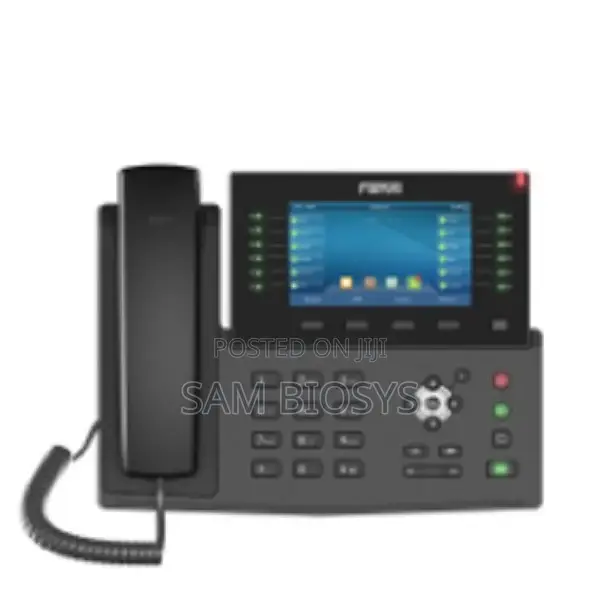
Fanvil X7c Enterprise Ip Phone
Simu za IP
Aina
Chapa
X7C Enterprise IP Ph
Mfano
300 Mbps
Kasi ya juu ya LAN
300MBps
Kasi ya WiFi
2
Idadi ya Mistari
4
Ukubwa wa Kiwamba
Saa, Bluetooth, Saa ya Kengele, Ngao ya Kelele, Ukuta Mlima
Vipengele vya Simu ya IP
Chapa Mpya
Hali
Anwani ya duka
Nairobi • Nairobi Kati
Meru stage room 102
Imefungwa sasa
• Jumatatu - Jumamosi, 06:00-08:00
Nairobi • Nairobi Kati
Tsavo road
call or whats app
Imefungwa sasa
• Jumatatu - Jumamosi, 06:00-07:00
Comes with a 5inch screen
Highlights
□√ 20 SIP lines
□√ HD audio on speakerphone and handset
□√ 5” high-resolution color display
□√ Built-in Bluetooth for connecting Bluetooth headset
□√ Wi-Fi connectivity(Via Wi-Fi dongle)
□√ Up to 60 DSS keys entries available(12 physical)
□√ Video Codec H.264 support for receiving video calls
□√ Dual Gigabit ports, integrated PoE
□√ Stand with 2 adjustable angles of 40 and 50 degrees
Wi-Fi connect
1. Plug a Wi-Fi dongle into the USB port
2. Press Menu > Basic > WLAN.
3. Press OK soft key to enter the WLAN open interface. After
opening, press Scan soft key to display the list of Wi-Fi
scanned.
4. Press Enter soft key to enter the available Network, select
the wireless network, press the Connect soft key and enter
the password to connect.
KSh 18,000
Inaweza kujadiliwa
Vidokezo vya Usalama
- Usilipe mapema hata kama ni ada ya kusafirishiwa bidhaa
- Kutana na muuzaji mahali salama pa umma
- Kagua kipengee na uhakikishe ni nini hasa unachotaka
- Hakikisha kwamba bidhaa uliyofungiwa ni ile ambayo uliagiza
- Lipa tu ikiwa umeridhika


