
Imefadhiliwa
Nairobi, Nairobi Kati, 53 min ago
5 maoni
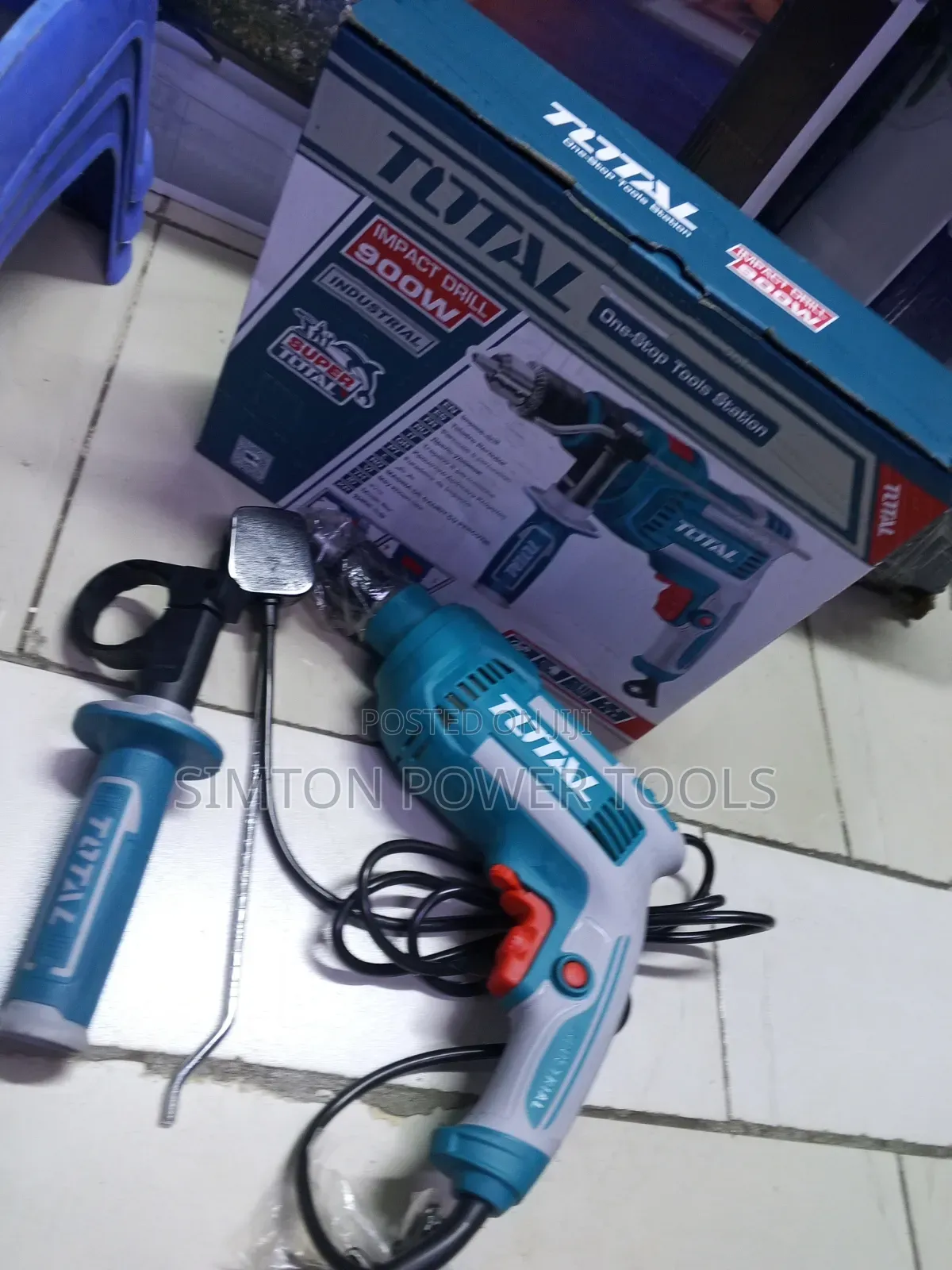
Industrial Total Impact Drill 900watts
Total
Chapa
Mashine ya kutoboa shimo
Aina
Umeme wa Waya
Chanzo cha Nguvu
900watts
Nguvu
240V
Volteji
Chapa Mpya
Hali
Anwani ya duka
Nairobi • Nairobi Kati
We are located Munyu road and Ronald ngara junction mazzart Bet house 1st floor F25 ask liz
Imefungwa sasa
• Jumatatu - Jumamosi, 09:00-18:00
Main Components
Chuck: Located at the front, this is where you insert your drill bits.
Trigger Switch: Used to operate the drill. It is likely variable-speed, allowing you to control the rotation speed based on the material.
Mode Selector: Usually found on the top or side, this allows you to switch between "drill" mode (for wood/metal) and "impact/hammer" mode (for masonry).
Lock-on Button: Often positioned near the trigger to allow for continuous drilling without needing to hold the trigger down.
Auxiliary Handle: Attaches to the front of the drill to provide a two-handed grip for improved leverage and safety.
Located at Mozart Bet Building First Floor Shop F25
KSh 5,300

Vidokezo vya Usalama
- Usilipe mapema hata kama ni ada ya kusafirishiwa bidhaa
- Kutana na muuzaji mahali salama pa umma
- Kagua kipengee na uhakikishe ni nini hasa unachotaka
- Hakikisha kwamba bidhaa uliyofungiwa ni ile ambayo uliagiza
- Lipa tu ikiwa umeridhika


