
1/2
Imefadhiliwa
Nairobi, Nairobi Kati, 27 min ago
20 maoni
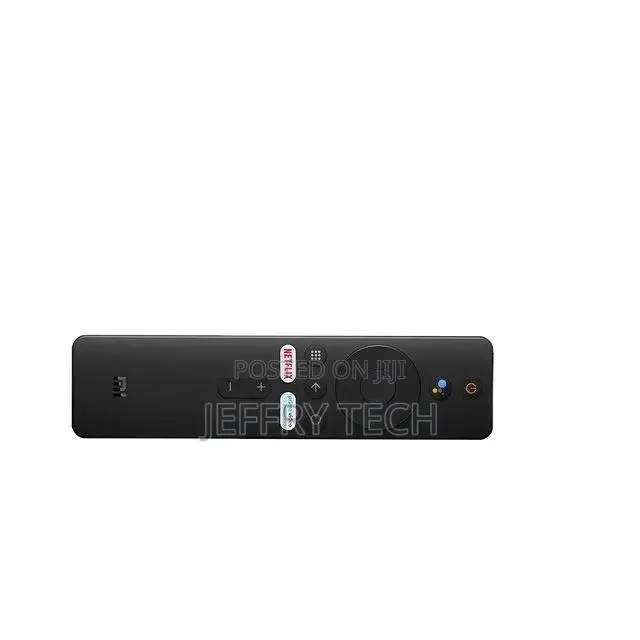
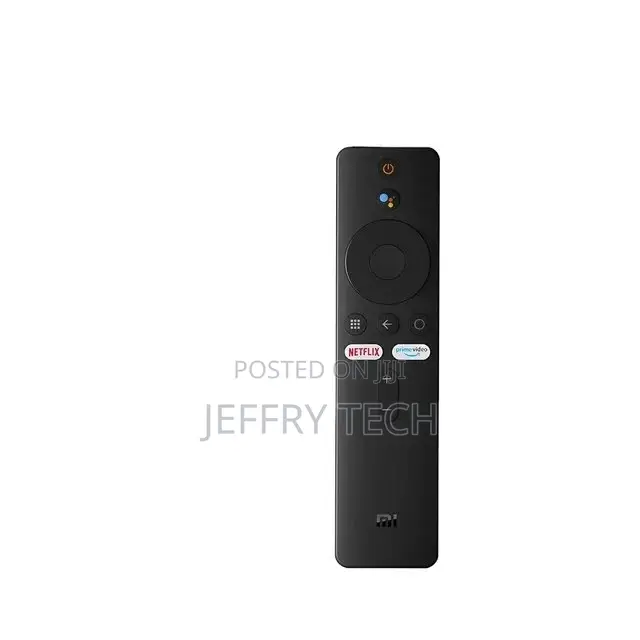
Xiaomi Tv Stick /Tv Box Remote
Xiaomi
Chapa
Xiaomi
Mfano
Vikasha vya TV
Aina
Android
Mfumo wa Uendeshaji
HD
Azimio la Juu Zaidi
2 GB
Uwezo wa Kuhifadhi
Chapa Mpya
Hali
Anwani ya duka
Nairobi • Nairobi Kati
Nairobi central
Closed
• Jumatatu, Jumamosi, 08:00-20:00
[Pairing Instructions] 1 First, turn on the Xiaomi TV or Box manually. Place the remote control near the Xiaomi TV or box and at the same time press and hold the red wireframe button underneath for 15-30 seconds.
[Pairing Guide] 2 After the TV displays the pairing interface, release the button and wait for the TV to display
[Pairing Instructions] 3 the successful pairing. It can be used normally. If pairing is unsuccessful, please repeat the above steps.
Remote control for Xiaomi Mi TV Stick/MI BOX 4S 4K
Operation with 2 AAA batteries (not included)
Vidokezo vya Usalama
- Usilipe mapema hata kama ni ada ya kusafirishiwa bidhaa
- Kutana na muuzaji mahali salama pa umma
- Kagua kipengee na uhakikishe ni nini hasa unachotaka
- Hakikisha kwamba bidhaa uliyofungiwa ni ile ambayo uliagiza
- Lipa tu ikiwa umeridhika


