
1/3
Sponsored
Nairobi, Industrial Area (Nairobi), 1 day ago
7 views
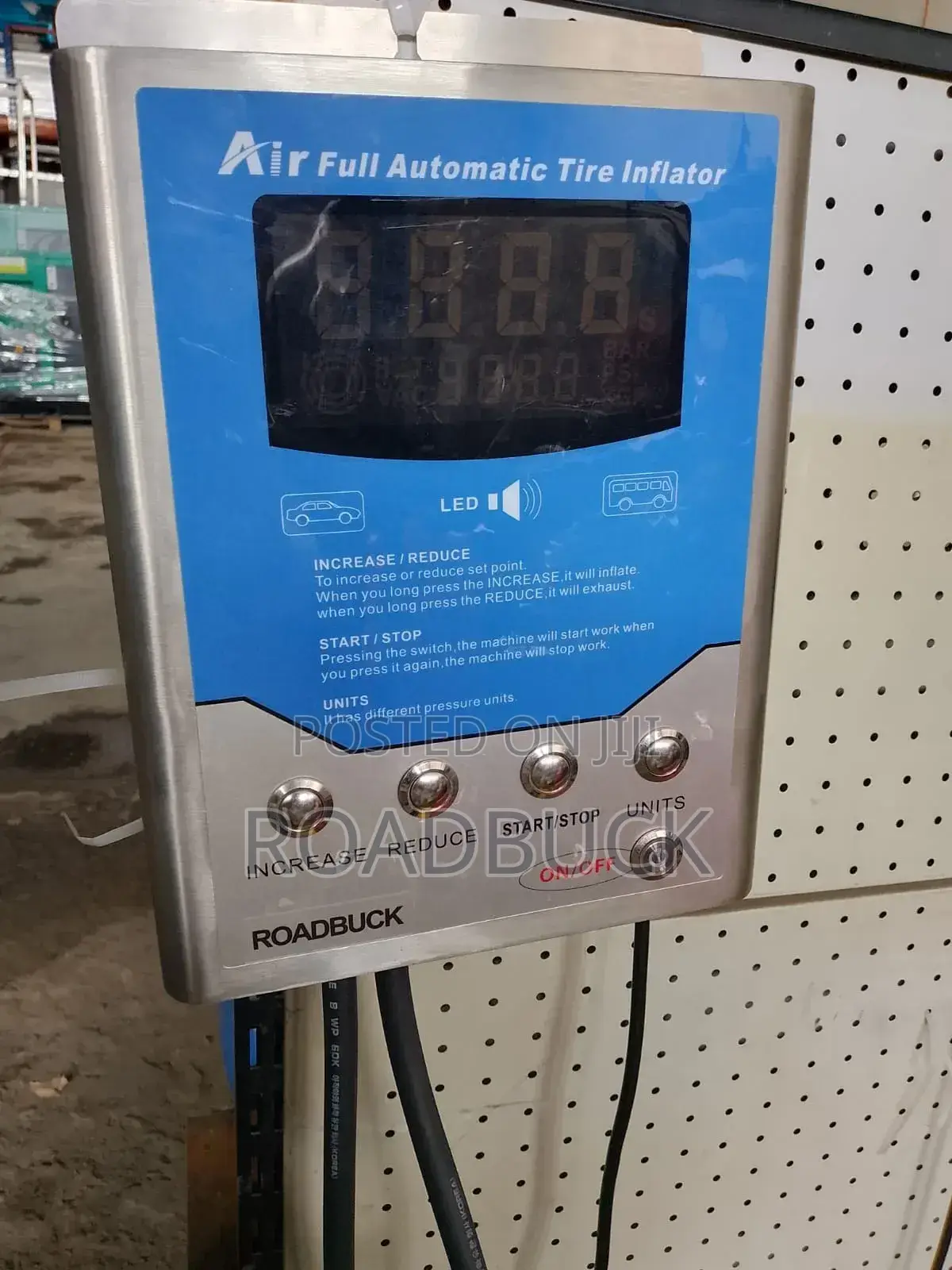
Tire Inflator
Best
Brand
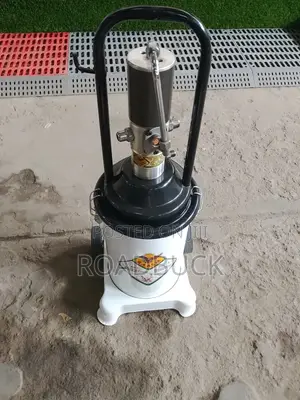
Small greasing can
Type
Off-Grid Inverter
Inverter Type
Brand New
Condition
Delivery
Across country
1-3 days
KSh 3,000 - 10,000
Key Features & Components
• Digital Interface: Features a large upper LED display window that provides real-time pressure readouts in various increments.
• Vehicle Layout Presets: Displays a car icon and a truck/bus icon to quickly indicate target vehicle classifications for appropriate pressure thresholds.
• Control Buttons: Equipped with high-durability metallic push buttons along the lower panel:
• INCREASE / REDUCE: Adjusts the target set-point pressure up or down.
• START/STOP: Commences or pauses the automatic inflation/deflation process.
• UNITS: Toggles through different pressure units (typically PSI, BAR, kPa, and kg/cm2).
• ON/OFF Key Switch: A physical key-actuated switch to power the machine securely.
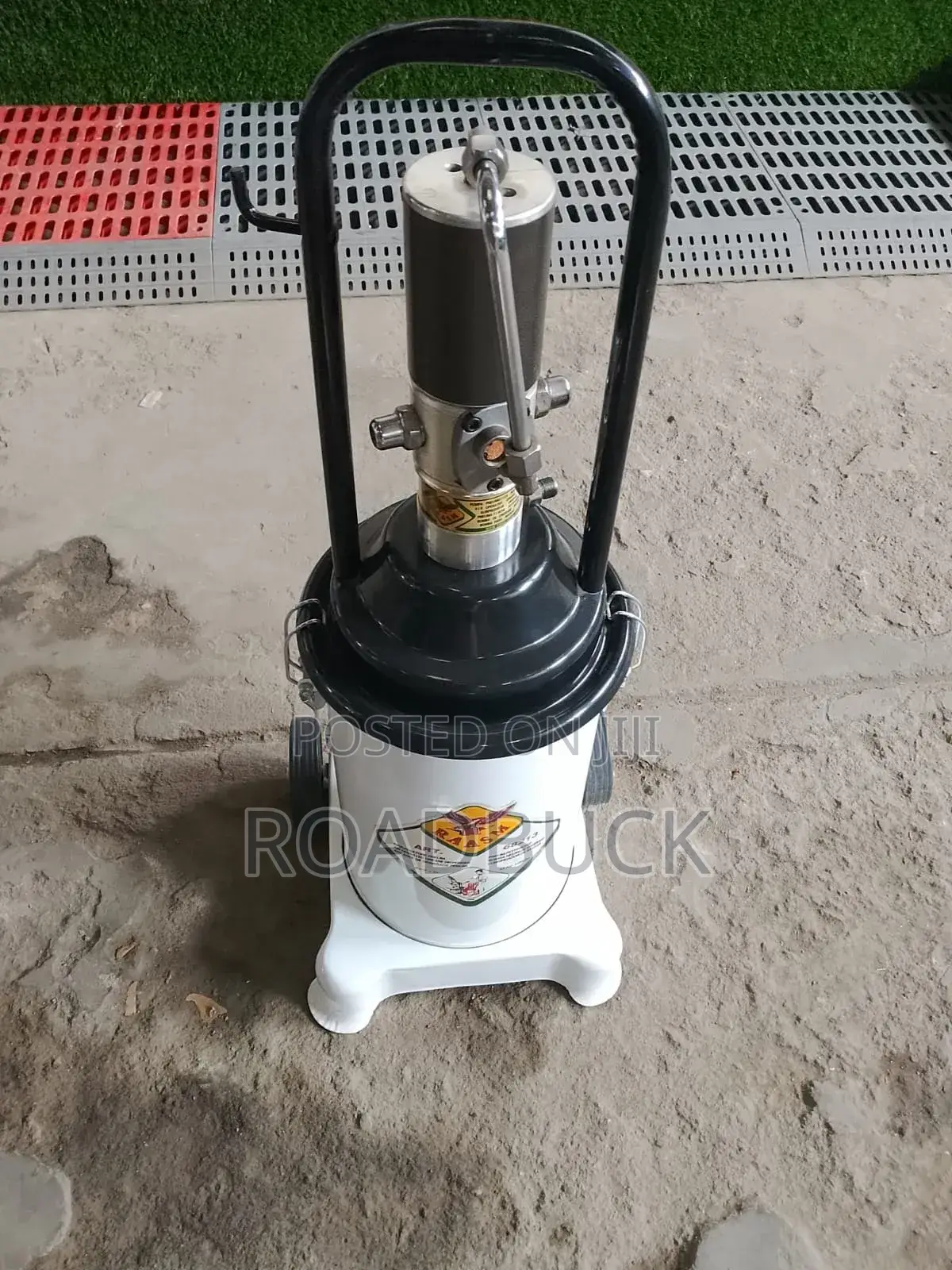
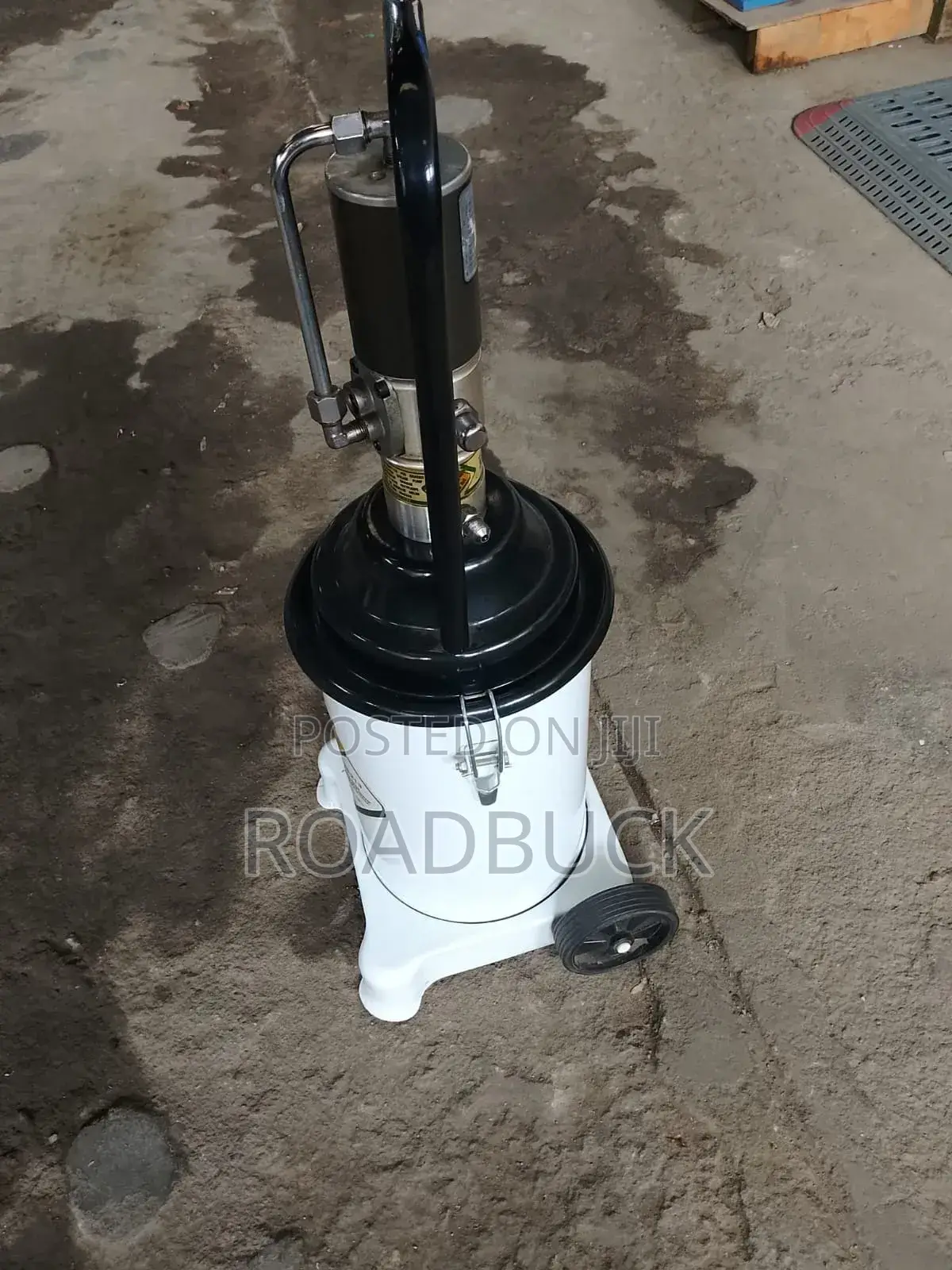
KSh 65,000
Negotiable
Safety tips
- Avoid paying in advance, even for delivery
- Meet with the seller at a safe public place
- Inspect the item and ensure it's exactly what you want
- Make sure that the packed item is the one you've inspected
- Only pay if you're satisfied


