
1/5
Sponsored
Nairobi, Nairobi Central, 1 hour ago
1 views
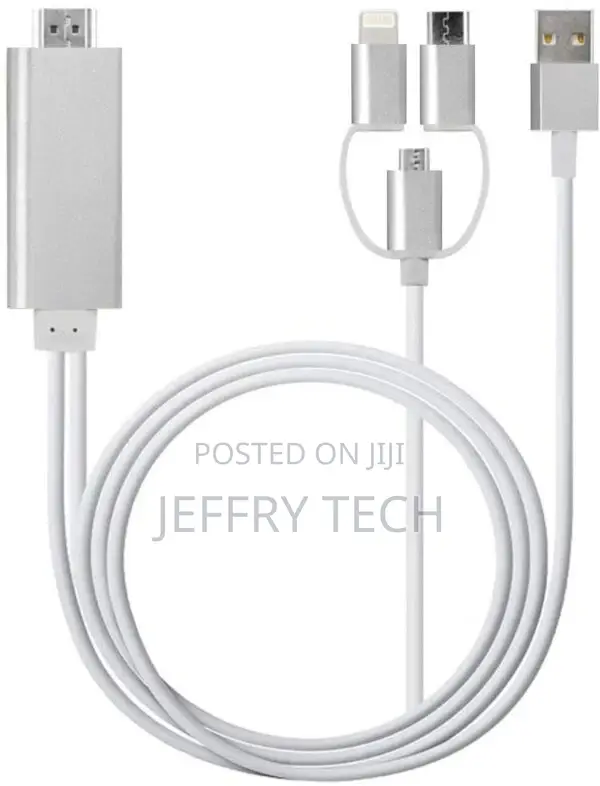
3-in-1 Lighting/Type-C/Micro USB to HDMI Cable for IOS and A
Store address
Nairobi • Nairobi Central
Nairobi central
Open now
• Mon, Sat, 08:00-19:00
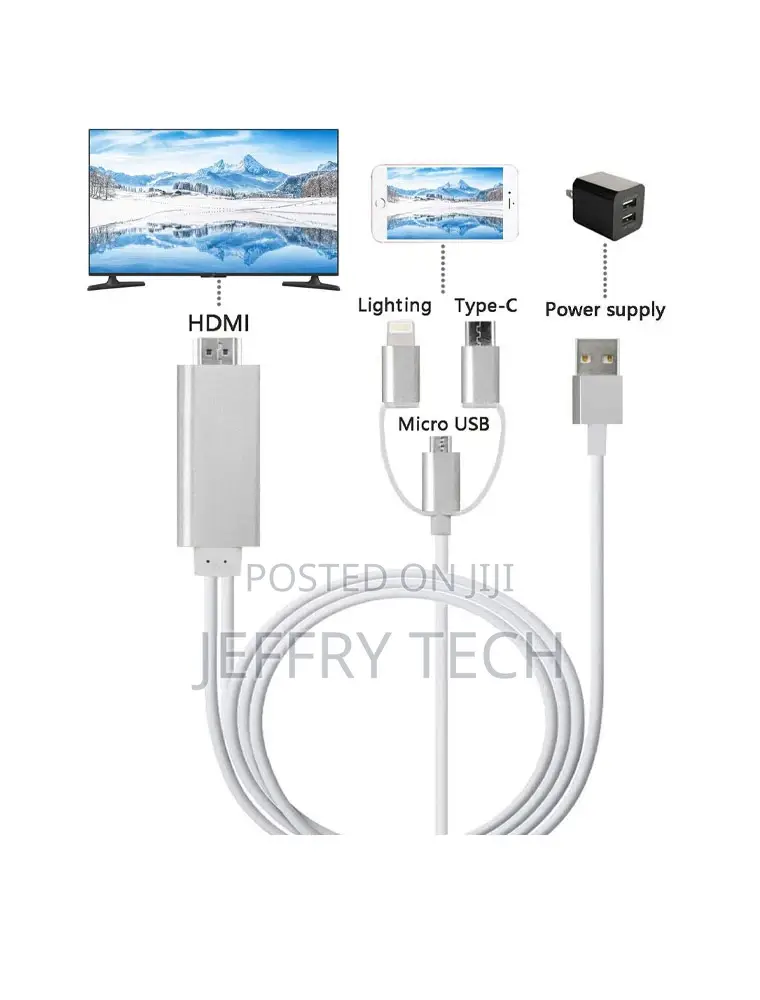
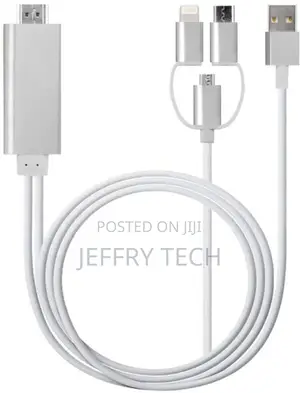
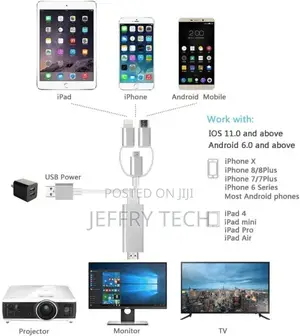
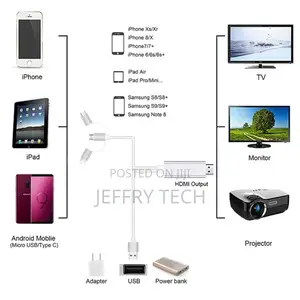
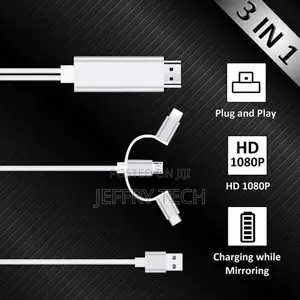
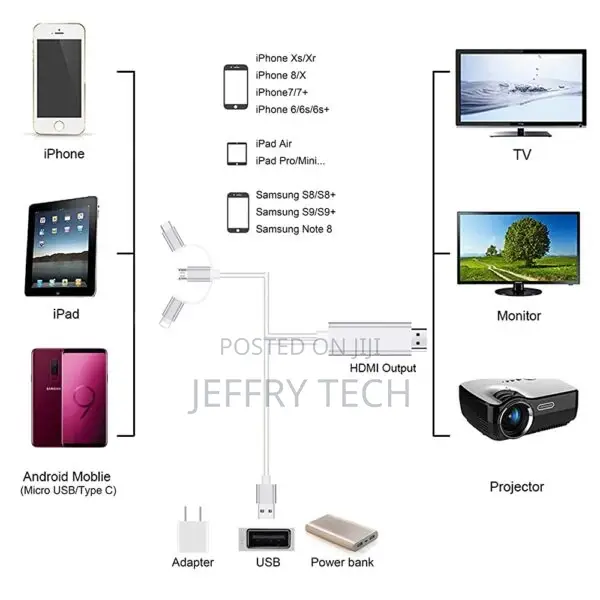
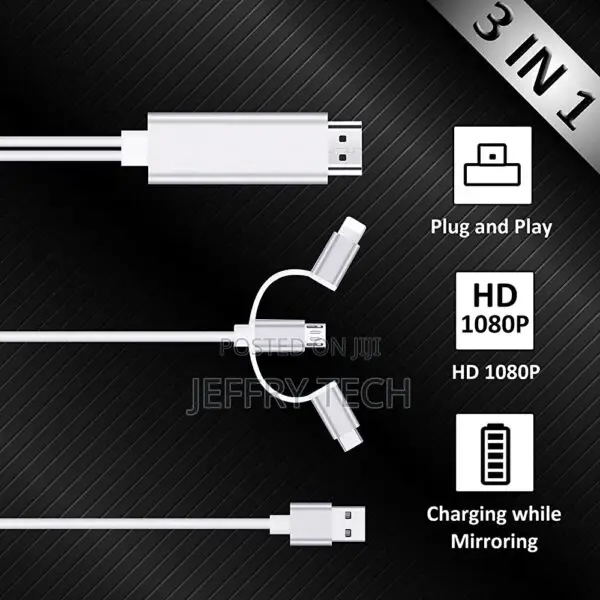
3-in-1 USB to HDMI cable can share your videos and photos with your family and friends on the big screen, it works with all the HDMI equipped TV, display, projector or other compatible displays. Support HDMI 1080P full HD output, let you enjoy pictures, videos, online movies, games, web browsing, online shopping, document etc. on big screen.
Q: How to connect 3-in-1 USB to HDMI with IOS/Android system?
A:Plug and Play
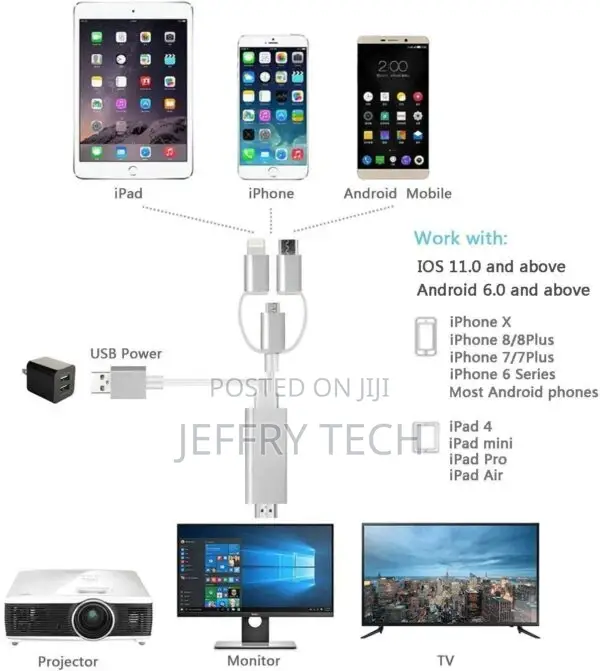
1.Connect HDMI end to TV/Projector/Monitor’s HDMI port, and connect lighting/micro USB/type C port to your phone;
2.Connect an external 5V/1A(ipad: 5V/2A) adapter with USB end to power up this cable, note that power bank is not enough to make it works;
3.For IOS: connect the phone and click “Trust” can be used directly; For android: please turn on USB debugging firstly;
4.Click the “SOURCE” key on your remote control, then
Safety tips
- Avoid paying in advance, even for delivery
- Meet with the seller at a safe public place
- Inspect the item and ensure it's exactly what you want
- Make sure that the packed item is the one you've inspected
- Only pay if you're satisfied


