
Sponsored
Nairobi, Nairobi Central, 2 hours ago
21 views
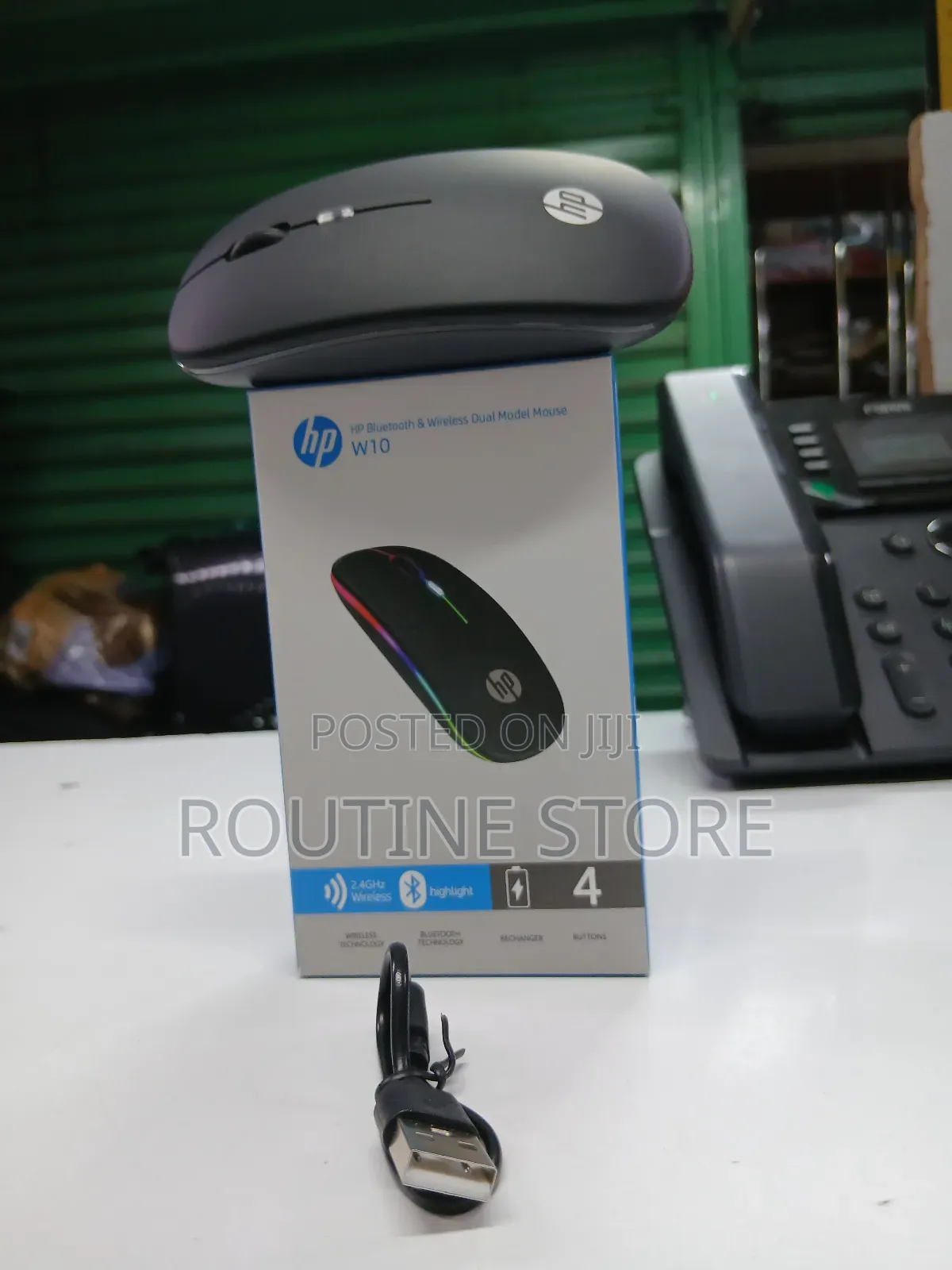
Hp Wireless Bluetooth Mouse W10
Mice
Type
HP
Brand
Brand New
Condition
Bluetooth
Mouse Connectivity Type
3m
Cable Length
2
Number of Buttons
1600dpi
Maximum DPI
Optical
Tracking Method
Bluetooth
Mouse Interface
Other
Color
Adjustable DPI
Mouse Features
Store address
Nairobi • Nairobi Central
Accra Road White Angle House Mezzanine floor Room 43 / 44
Closed
• Mon - Sat, 08:00-18:00
Turn on the Bluetooth mouse and make sure it’s in pairing mode (often a button you hold until a light flashes).
On your Windows 10 PC, open Settings → Devices → Bluetooth & other devices.
Turn Bluetooth On if it’s off.
Click “Add Bluetooth or other device” → choose Bluetooth.
Select your mouse from the list and click Pair.
Once connected, you can use the mouse normally.
If the mouse has a USB dongle instead of Bluetooth, plug the USB receiver into your PC — no Bluetooth setup needed.
Safety tips
- Avoid paying in advance, even for delivery
- Meet with the seller at a safe public place
- Inspect the item and ensure it's exactly what you want
- Make sure that the packed item is the one you've inspected
- Only pay if you're satisfied


