
1/6
+ 1
images
Sponsored
Nairobi, Nairobi Central, 3 hours ago
66 views
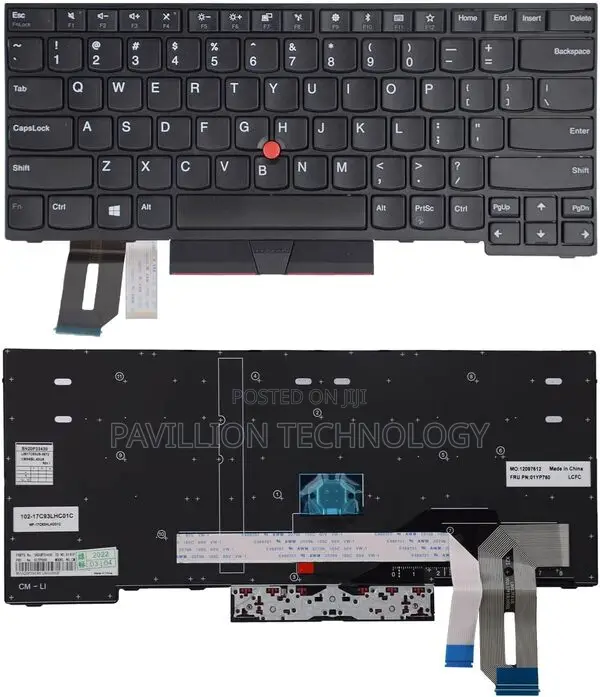
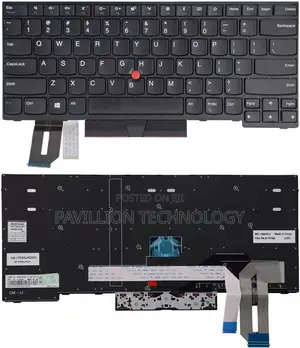
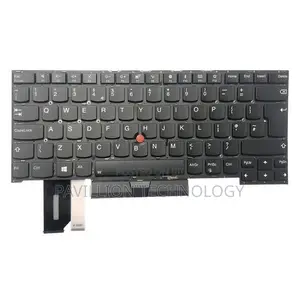
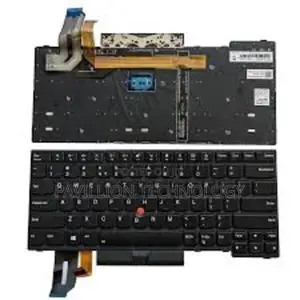
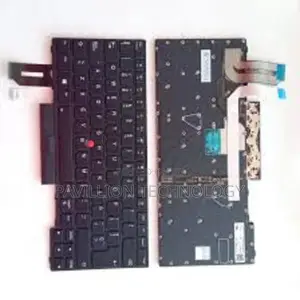
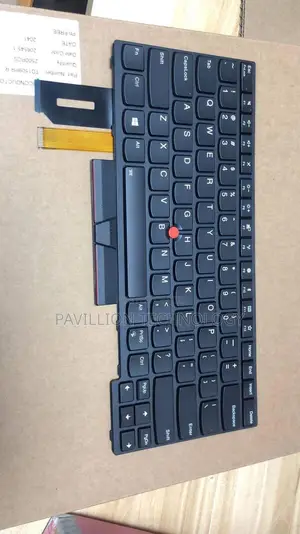
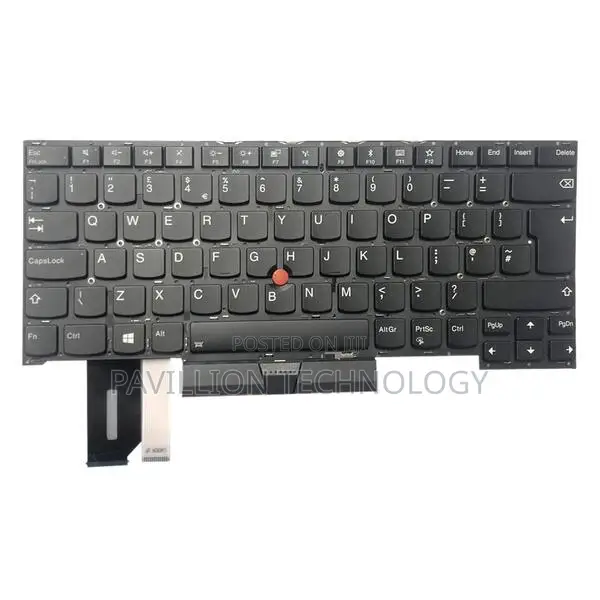
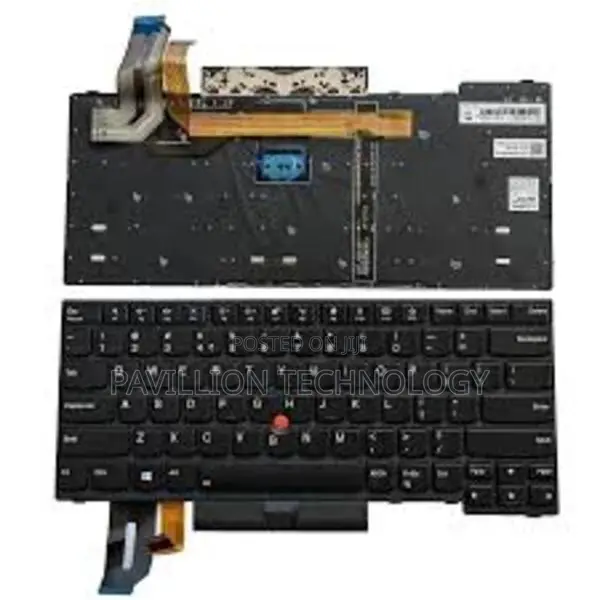
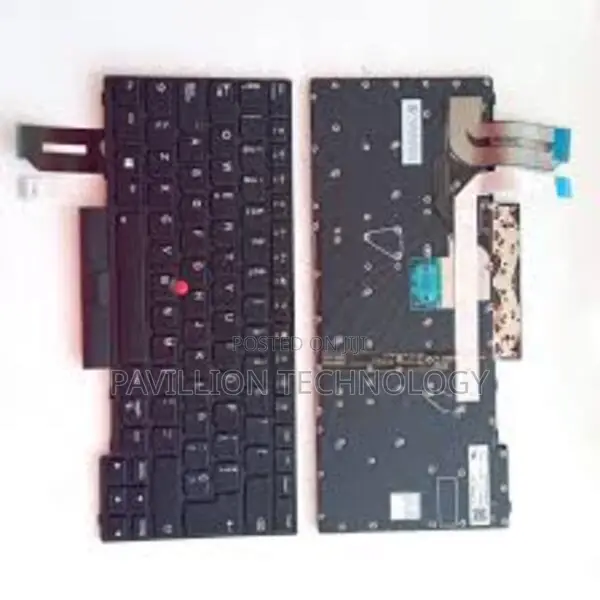
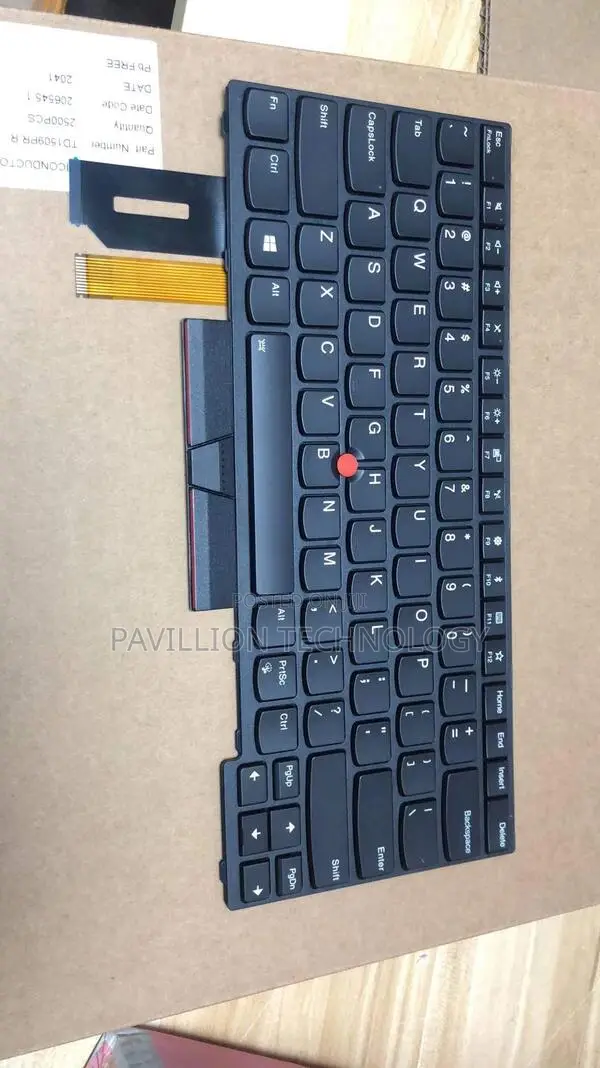
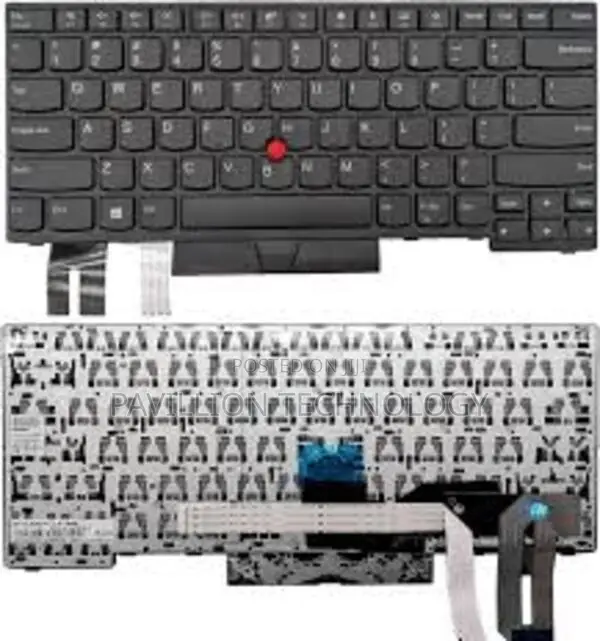
Lenovo T490 Keyboard Backlit
Store address
Nairobi • Nairobi Central
Located at moi Avenue new mithoo house opposite the bazaar shop g90 near sonford fish and chips
Mithoo house opposite bihi towers ground floor g90 just next to sonford fish and chips
Open now
• Mon - Sat, 09:00-19:00
Find the Fn and Spacebar keys. The Spacebar key will have a small keyboard illumination icon on it, which looks like a horizontal bracket with arcing rays above it.
Press Fn + Spacebar once to turn the backlight on to its lowest setting.
Press Fn + Spacebar a second time for a brighter setting.
Press Fn + Spacebar a third time to turn the backlight off.
Troubleshooting
If the backlight doesn't turn on, you may need to check your system settings or drivers.
Check Lenovo Vantage
The Lenovo Vantage application lets you check and configure settings for your device's features, including the keyboard backlight.
Search for and open the Lenovo Vantage application from your Windows Start menu.
Navigate to Device Settings and then Input & Accessories.
Ensure the Keyboard backlight option is turned
Safety tips
- Avoid paying in advance, even for delivery
- Meet with the seller at a safe public place
- Inspect the item and ensure it's exactly what you want
- Make sure that the packed item is the one you've inspected
- Only pay if you're satisfied


