
1/2
Sponsored
Nairobi, Nairobi Central, 12 hours ago
4 views
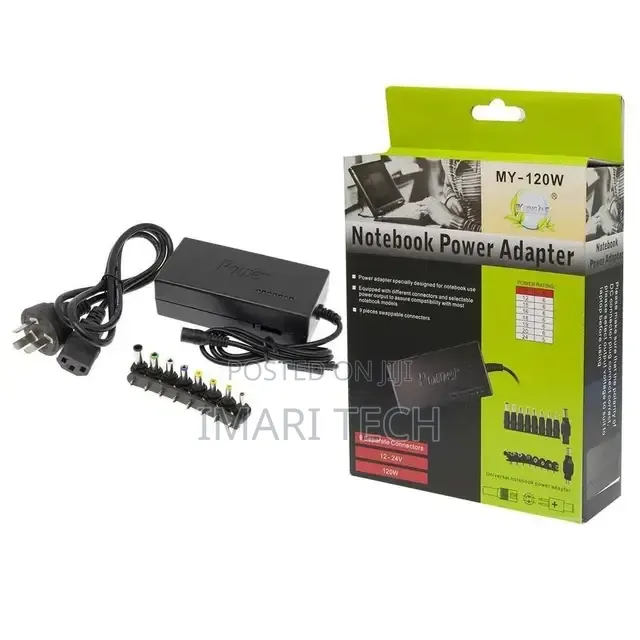
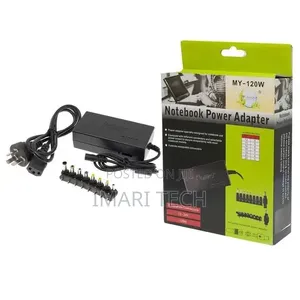
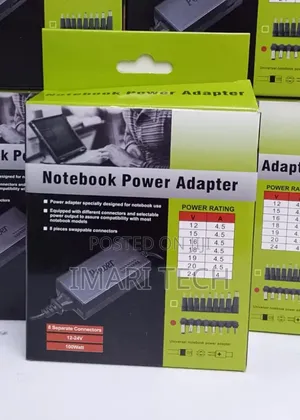
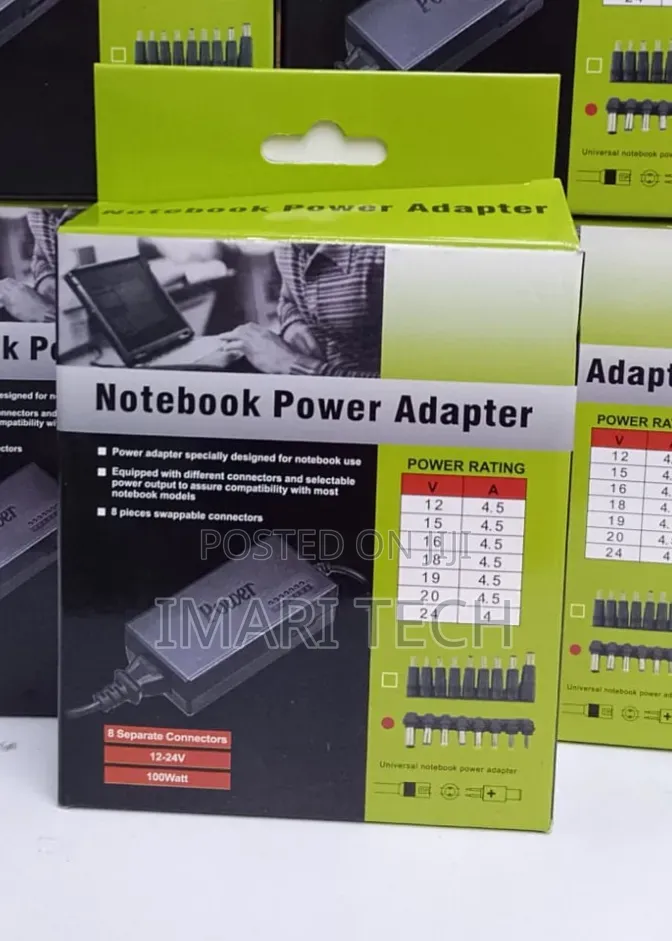
Notebook Adapter
Before buying a replacement, check the following:
1. Voltage (V): This must match exactly (e.g., 19V, 19.5V, 20V). If your laptop requires 19.5V, do not use a 12V or 24V adapter.
2. Amperage (A) / Wattage (W): The adapter’s wattage can be equal to or higher than your laptop's requirement, but never lower. For example, if your laptop needs a 45W charger, a 65W or 90W charger is perfectly safe to use, but a 33W charger will overload. (Note: Wattage = Voltage × Amperage)
3. Connector Tip (Pin Size): The physical plug must match your laptop's charging port. Common types include:
• USB-C: The modern standard used by most newer laptops (MacBooks, Lenovo ThinkPads, HP Envy, etc.).
• Barrel Pins: Traditional round tips, often categorized by outer/inner diameter (e.g., HP 4.5mm Blue Tip, Dell 7.4mm Big Pin, Lenovo Slim Tip).
Safety tips
- Avoid paying in advance, even for delivery
- Meet with the seller at a safe public place
- Inspect the item and ensure it's exactly what you want
- Make sure that the packed item is the one you've inspected
- Only pay if you're satisfied


