
Enterprise
1/2
Sponsored
Nairobi, Westlands, 1 hour ago
63 views
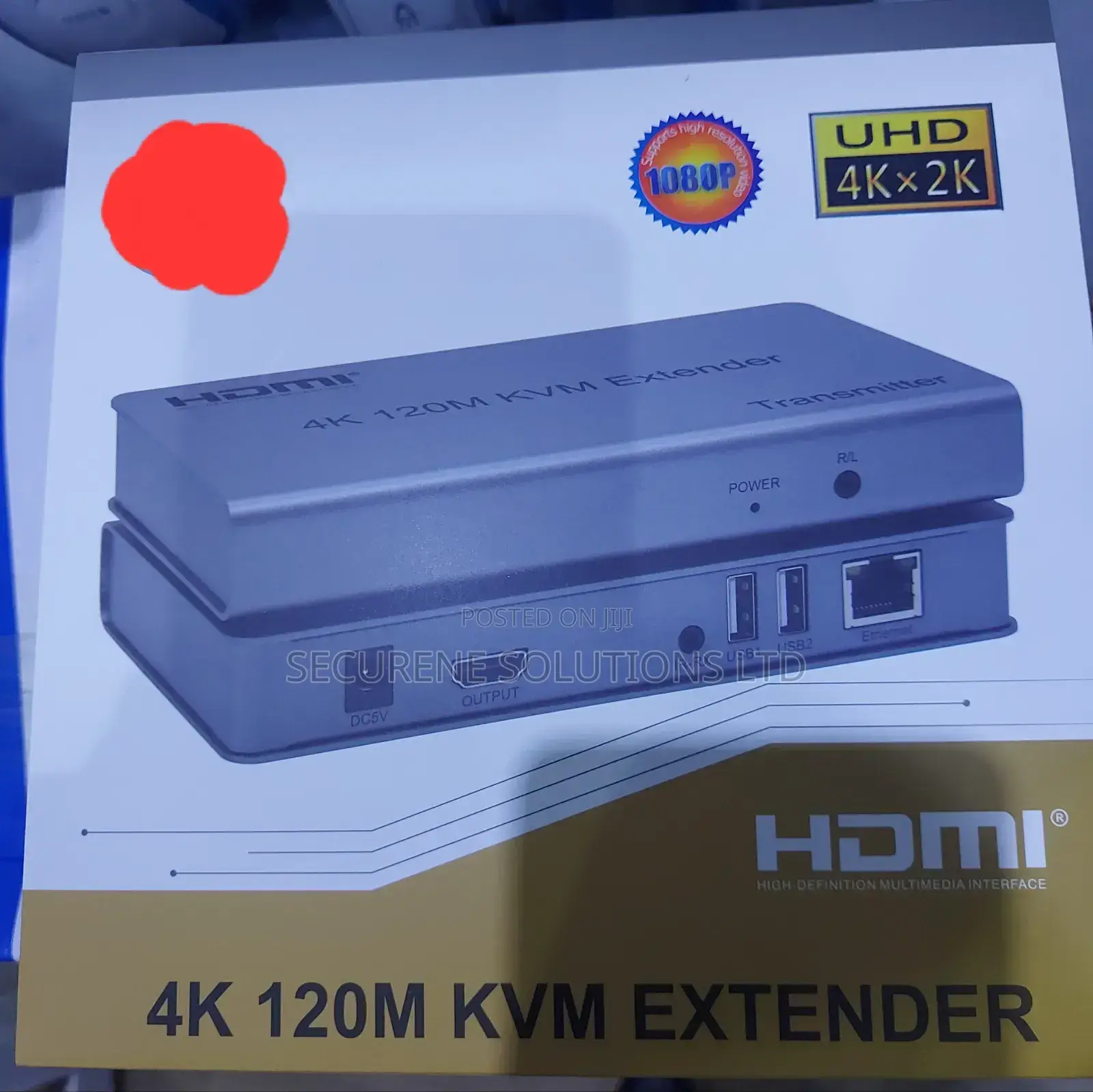
KVM HDMI Extender 120M Touch Switch Automatic
Store address
Nairobi • Nairobi Central
We are located in Nyandarua house, Junction Kamae rd and Ngaberone rd, Room 203 and 214.
We are located in Nyandarua house, Junction Kamae rd and Ngaberone rd, Room 203 and 214.
Open now
• Mon - Sat, 06:00-21:00
Nairobi • Saika
Saika estate off kangudo rd Nyokabi building
Saika estate
Open now
• Mon - Sun, 06:00-23:00
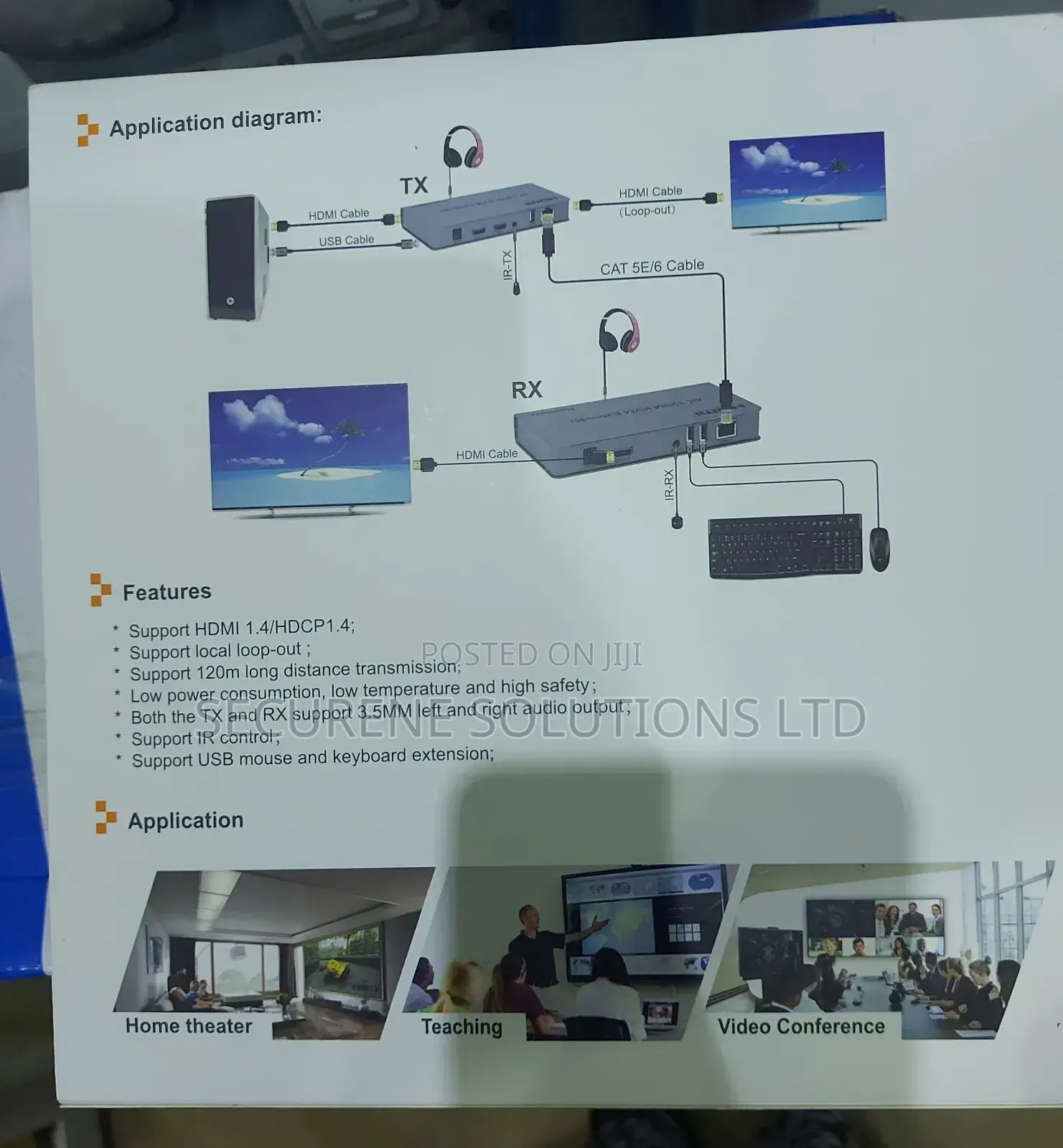
. connect the hdmi source (such as dvd, ps3, stb) to the "hdmi in" of the transmitter via an hdmi cable.
2. connect the hdmi output of the receiver with an hdmi cable to the hdtv display.
3. connect the transmitter and receiver with cat5e/6 cable (recommended). the distance is 200 m.
4. connect the "ir receiver" to the "ir-rx" port of the receiver and the "ir transmitter" to the "ir-tx" of the transmitter and make sure that the ir transmitter targets the ir port of the source.
5 connect the mouse and keyboard to the usb port of the receiver and connect the usb port of the transmitter with the computer when the kvm need control function... 6 connect two 5v power supplies to transmitter and receiver, then turn on the hdtv screen and hdmi source... number of units: 1.0
Safety tips
- Avoid paying in advance, even for delivery
- Meet with the seller at a safe public place
- Inspect the item and ensure it's exactly what you want
- Make sure that the packed item is the one you've inspected
- Only pay if you're satisfied


