
Frequently Asked Questions
How will the seller deliver my order?
The seller arranges delivery to the address you enter at checkout.
Open Safe Deal in your Jiji profile and select the order.
For orders with tracking, the seller chooses a service from the list available on Jiji and adds a tracking number after sending the item. Tracking details appear in the order after they are checked.
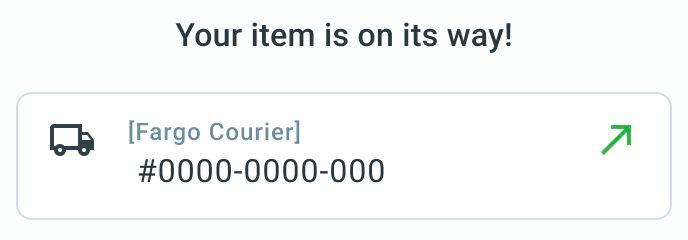
Tracked-order example in Kenya. The order shows the delivery service, tracking number and tracking link.
For an order without a tracking number, check its delivery status and contact the seller if you need an update.
The seller can extend the deadline by 7 days once. If they do, check the updated date in your order. For an order with tracking, this extends the time to send the item and add tracking, not a promised arrival date. For direct delivery, it extends the delivery deadline. If the new date does not work for you and the order is not marked as delivered, open the three-dot menu (⋮) and select Request refund to contact Jiji Support. This request does not cancel the order immediately.
Check your address and contact details before paying. When the item arrives, inspect it before selecting I’ve received my order and confirming in the popup. If the order is marked as delivered but has not arrived, select There is a problem in the order before the 24-hour countdown ends. Your payment stays on hold while support reviews the issue.
