
Frequently Asked Questions
How do I cancel an order or request a refund?
Open Safe Deal in your Jiji profile and select the order. The available action depends on whether the seller has accepted the order and whether it is marked as delivered.

Open the three-dot menu at the top of the order.
Before the seller accepts
Open the three-dot menu (⋮) at the top of the order and select Cancel this order. Read the popup and select Cancel this order again to confirm. If the order is unpaid, no refund is needed. If you have paid, cancelling before the seller accepts starts the refund process.
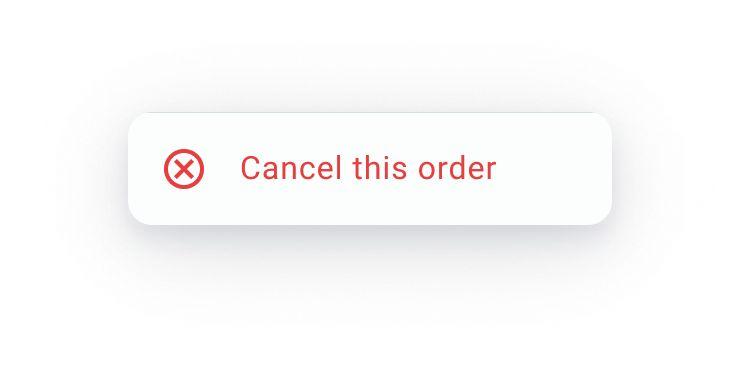
Before acceptance, the menu offers Cancel this order.
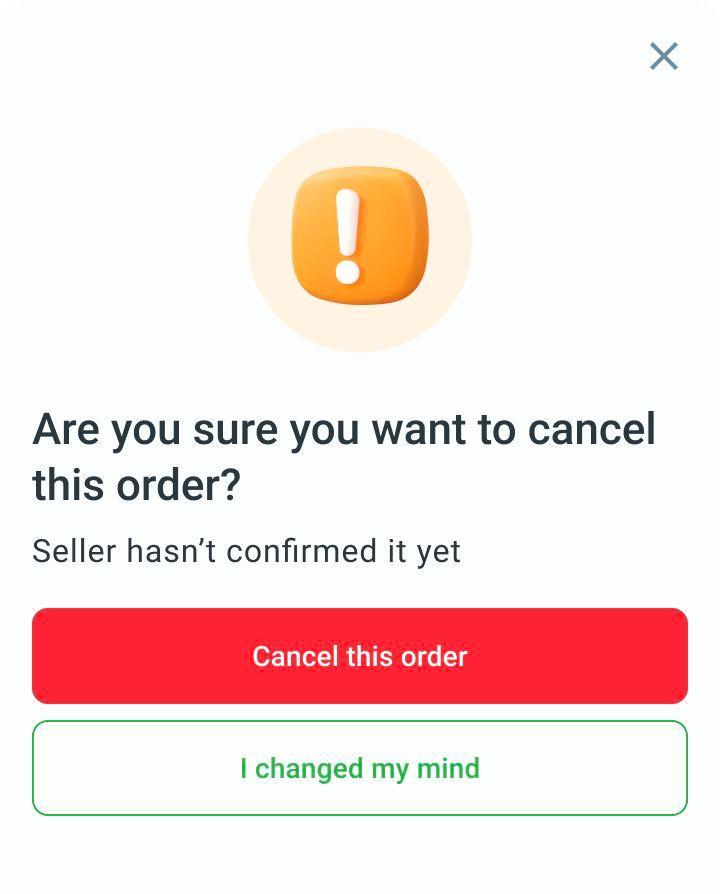
Check the cancellation popup and confirm only if you want to cancel the order.
After acceptance, before the order is marked as delivered
Open the three-dot menu (⋮) and select Request refund to contact Jiji Support. Explain why you want a refund. Support will review the order and tell you what happens next. The request does not cancel the order immediately.
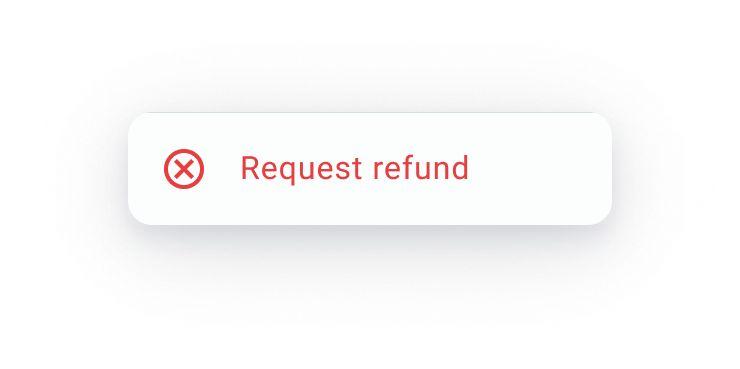
After acceptance, request a refund through the order menu.
When the order is marked as delivered
If the item has not arrived, is damaged or does not match the ad, select There is a problem in the order before the 24-hour countdown ends. This opens a chat with Jiji Support. Explain the issue and share photos if needed. Your payment stays on hold while Jiji Support reviews it.
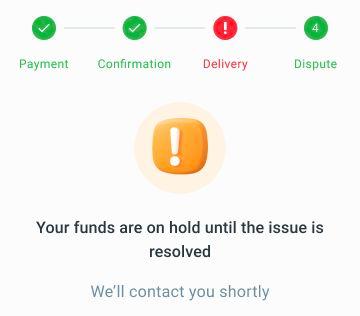
When a dispute is open, the order shows that your payment is on hold while the issue is reviewed.
Support tells you the outcome and any return or refund instructions. Reporting a problem does not guarantee a full refund.
If the seller misses a deadline
If the seller does not accept in time or misses the required tracking or direct-delivery deadline shown in the order, it is cancelled and refunded. If a tracked parcel has already been sent but is delayed, contact Jiji Support to check it.
A refund can take time to reach your payment account. If you need an update, contact Jiji Support with the order number.
If the countdown has ended or There is a problem is unavailable, email support@jiji.co.ke with the order number and a description of the issue. Support will explain the next steps. Contacting support does not guarantee a refund.
